What Is Leonardo AI?
Leonardo AI is a cloud-based AI image generator with one of the best free tiers available. It offers multiple AI models, a real-time drawing canvas, image-to-image tools, and motion generation - all accessible through a web browser with no local GPU required.
Free vs Paid Plans
| Plan | Price | Tokens | Key Features |
|---|---|---|---|
| Free | $0 | 150/day | All models, basic features |
| Apprentice | $12/mo | 8,500/mo | Priority queue, no watermark |
| Artisan | $30/mo | 25,000/mo | All features, training |
| Maestro | $60/mo | 60,000/mo | Maximum tokens, API access |
Token System Explained
Every generation costs tokens. A standard image at 1024x1024 costs about 4-6 tokens. Higher resolutions, more steps, and features like alchemy mode cost more. Free users get 150 tokens that refresh daily - enough for 20-35 images depending on settings. The key is using efficient settings when experimenting and saving high-token options for final renders.
Models Explained
Phoenix
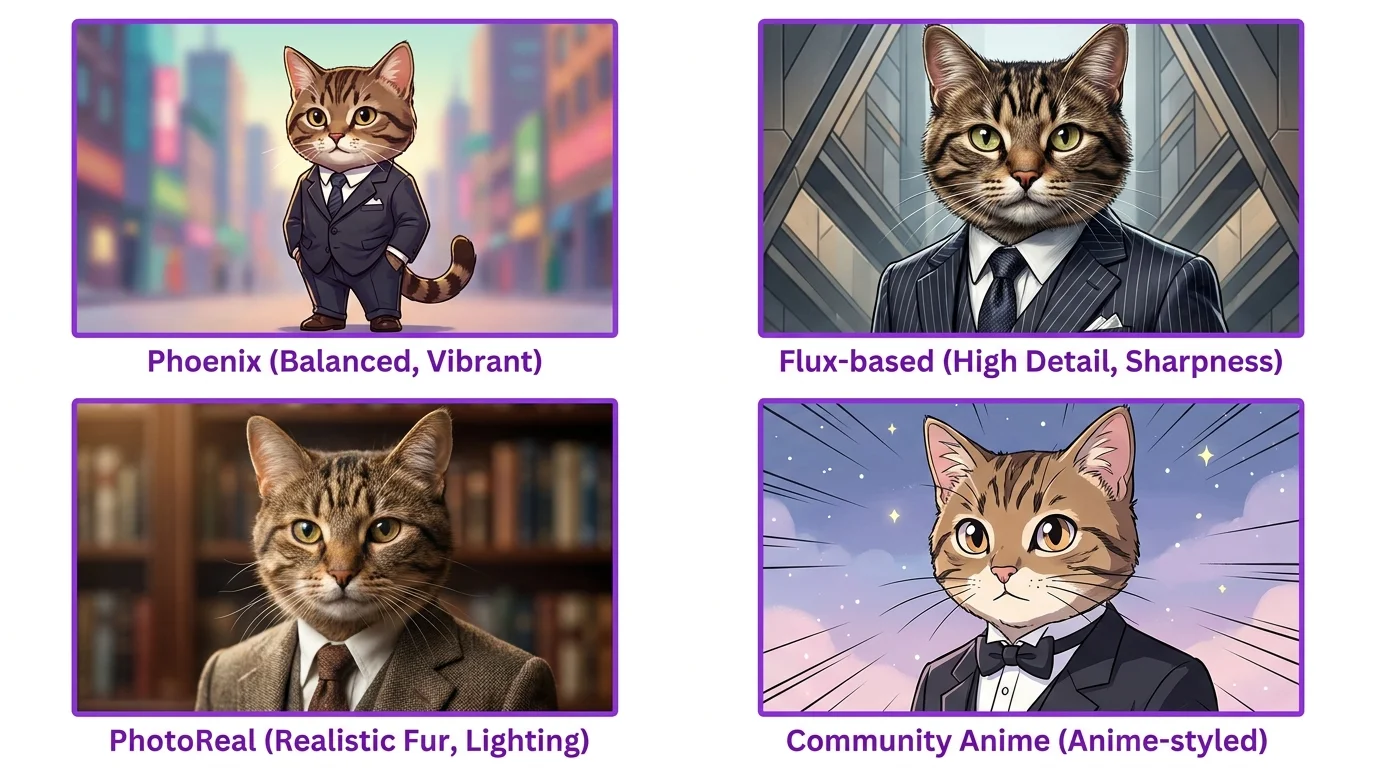
Leonardo's flagship model and the best all-rounder. Excellent at photorealistic, artistic, and 3D styles. This is the default and where most beginners should start. It handles the widest range of prompts effectively.
Flux-Based Models
Leonardo offers models built on Flux architecture. These excel at prompt accuracy - what you describe is what you get. Better text rendering than Phoenix. Use these when precise prompt following matters more than artistic interpretation.
PhotoReal
Specialized for photographic realism. Produces images that look like real photographs with natural skin textures, accurate lighting physics, and camera-like depth of field. Best for portraits, product shots, and anything that needs to look like it was actually photographed.
Community Models
Leonardo hosts thousands of community-trained models optimized for specific styles - anime, pixel art, concept art, architectural visualization, and more. Browse the model gallery to find specialized models that match your target aesthetic.
Writing Prompts for Leonardo
Style Differences from Midjourney
Leonardo responds to the same prompt formula as other generators (see our prompt writing guide), but with some differences. Leonardo is more literal - it follows prompts more closely than Midjourney, which means your descriptions need to be more complete. Where Midjourney adds beauty automatically, Leonardo gives you more of exactly what you asked for.
Best Keywords
- Quality: "masterpiece, best quality, highly detailed, sharp focus, 8K"
- Photorealistic: "photorealistic, raw photo, DSLR, natural lighting, film grain"
- Artistic: "digital painting, concept art, trending on ArtStation, vibrant colors"
- 3D: "3D render, octane render, unreal engine, subsurface scattering"
Negative Prompts
Leonardo has a dedicated negative prompt field. Always use it. Standard negative prompt: "blurry, low quality, deformed, bad anatomy, extra fingers, watermark, text, signature, cropped, worst quality, jpeg artifacts." This significantly improves output quality.
Key Features
Real-Time Canvas
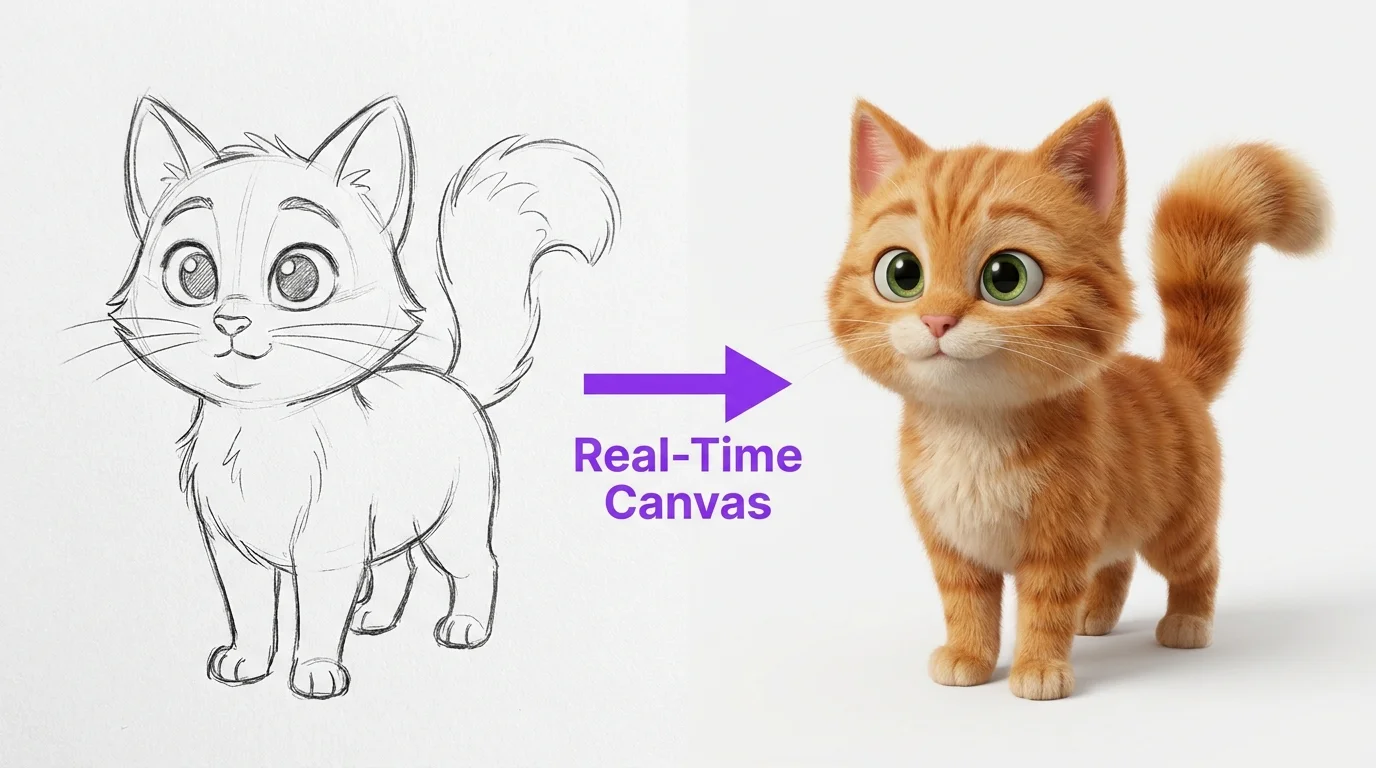
Draw rough shapes and watch AI turn them into detailed images in real-time. Sketch a circle for a head, lines for a body, and the AI fills in realistic details as you draw. This gives spatial control that text-only prompts cannot achieve - perfect for specific compositions.
Image-to-Image
Upload an existing image and use it as a starting point for AI generation. Control how closely the output follows the original with the "init strength" slider. Low strength (0.3) creates something inspired by the original. High strength (0.8) closely follows the original with AI enhancements.
AI Canvas (Inpaint and Outpaint)
Select regions of an image to regenerate (inpainting) or extend the image beyond its borders (outpainting). This is Leonardo's most powerful editing feature - fix faces, change backgrounds, or expand compositions without regenerating the entire image.
Motion Generation
Turn static images into short animated clips. Leonardo's motion feature adds subtle movement - flowing hair, drifting clouds, flickering candles. Great for social media content where a subtle animation catches more attention than a static image.
Settings Explained
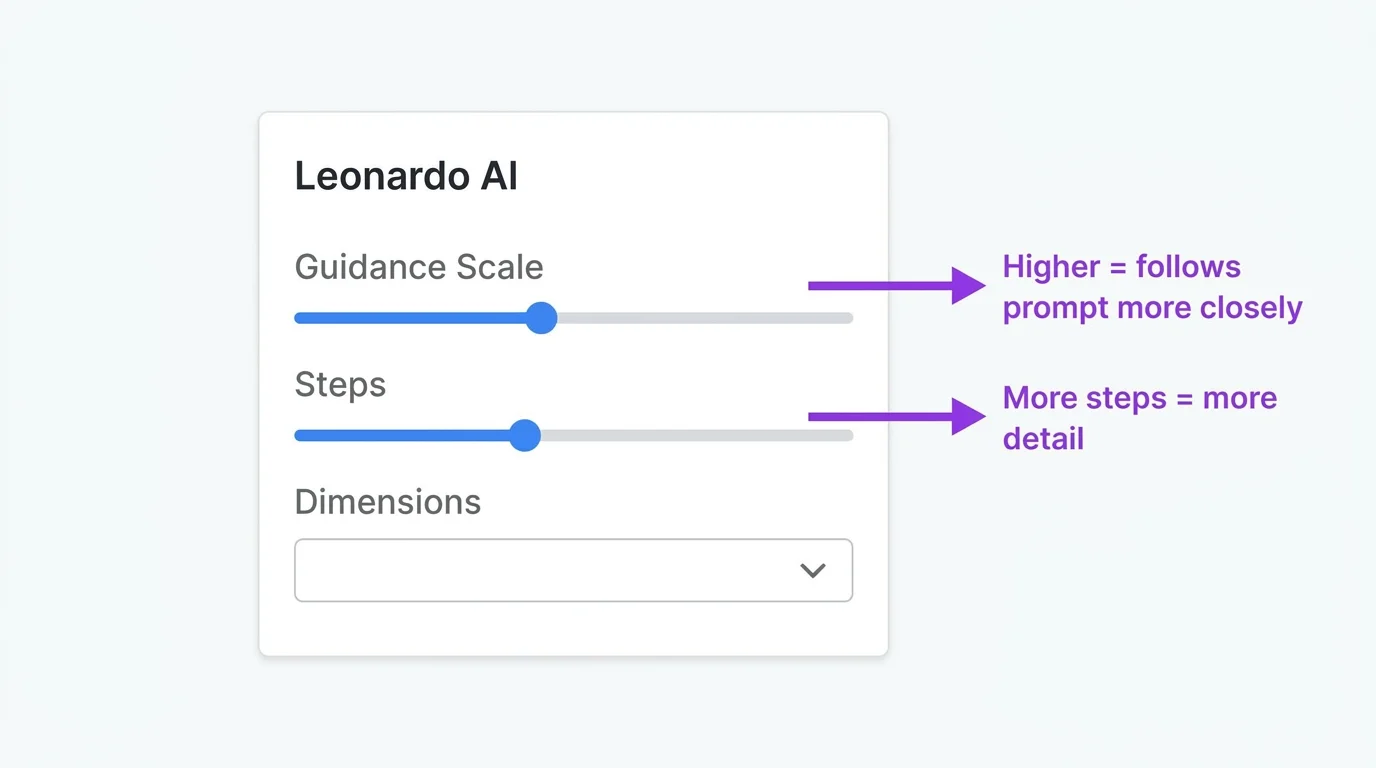
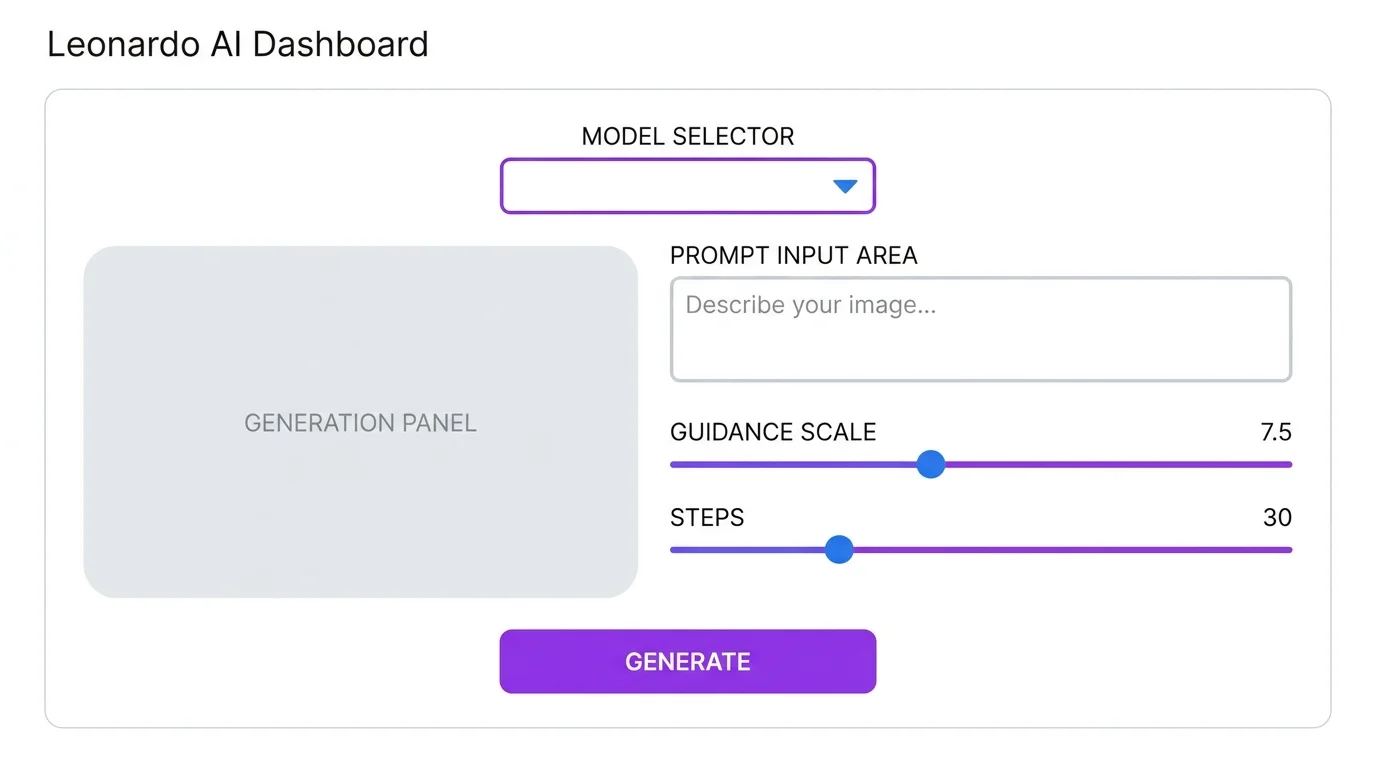
Guidance Scale
Controls how closely the AI follows your prompt. Range: 1-20. Default: 7. Lower values (3-5) give more creative freedom. Higher values (10-15) follow prompts more literally but can look over-processed. Sweet spot: 7-9 for most use cases.
Steps
How many refinement passes the AI makes. More steps = more detail but more tokens. Default: 30. For quick previews, 20 steps is fine. For final renders, 40-50 steps adds subtle quality. Beyond 50 rarely improves results.
Dimensions and Aspect Ratio
Set your output size directly. Common presets: 1024x1024 (square), 1344x768 (landscape), 768x1344 (portrait). Match your target platform: 9:16 for TikTok, 16:9 for YouTube, 4:5 for Instagram. Larger dimensions cost more tokens.
Best Settings for Different Styles
| Style | Model | Guidance | Steps |
|---|---|---|---|
| Photorealistic | PhotoReal or Phoenix | 7-8 | 30-40 |
| Anime | Anime community model | 7-9 | 25-30 |
| 3D/Pixar | Phoenix | 7 | 30 |
| Concept Art | Phoenix or Flux-based | 8-10 | 35-40 |
| Precise Text | Flux-based | 7-8 | 30 |
10 Free Leonardo AI Prompts