What Is an AI Image Prompt?
An AI image prompt is a text description that tells an AI image generator exactly what to create. Think of it as giving detailed instructions to an incredibly talented artist who can produce any style, scene, or concept - but only if you describe it clearly.
The better your prompt, the better your image. A vague prompt like "a cat" gives you a generic result. A detailed prompt like "a fluffy orange tabby cat wearing a tiny purple bow tie, sitting on a velvet cushion, soft studio lighting, shallow depth of field, photorealistic" gives you something stunning.
How AI Generators Interpret Prompts
AI models like Midjourney, DALL-E, and Stable Diffusion break your prompt into tokens - individual words and concepts. They then match these tokens against their training data to generate images. Word order matters: concepts mentioned first tend to have stronger influence. This is why structure is so important.
Why Prompt Quality Matters
The difference between amateur and professional AI art isn't the tool - it's the prompt. Professional prompt engineers know exactly which keywords trigger which visual effects. This guide teaches you those exact keywords and the formula that makes them work together.
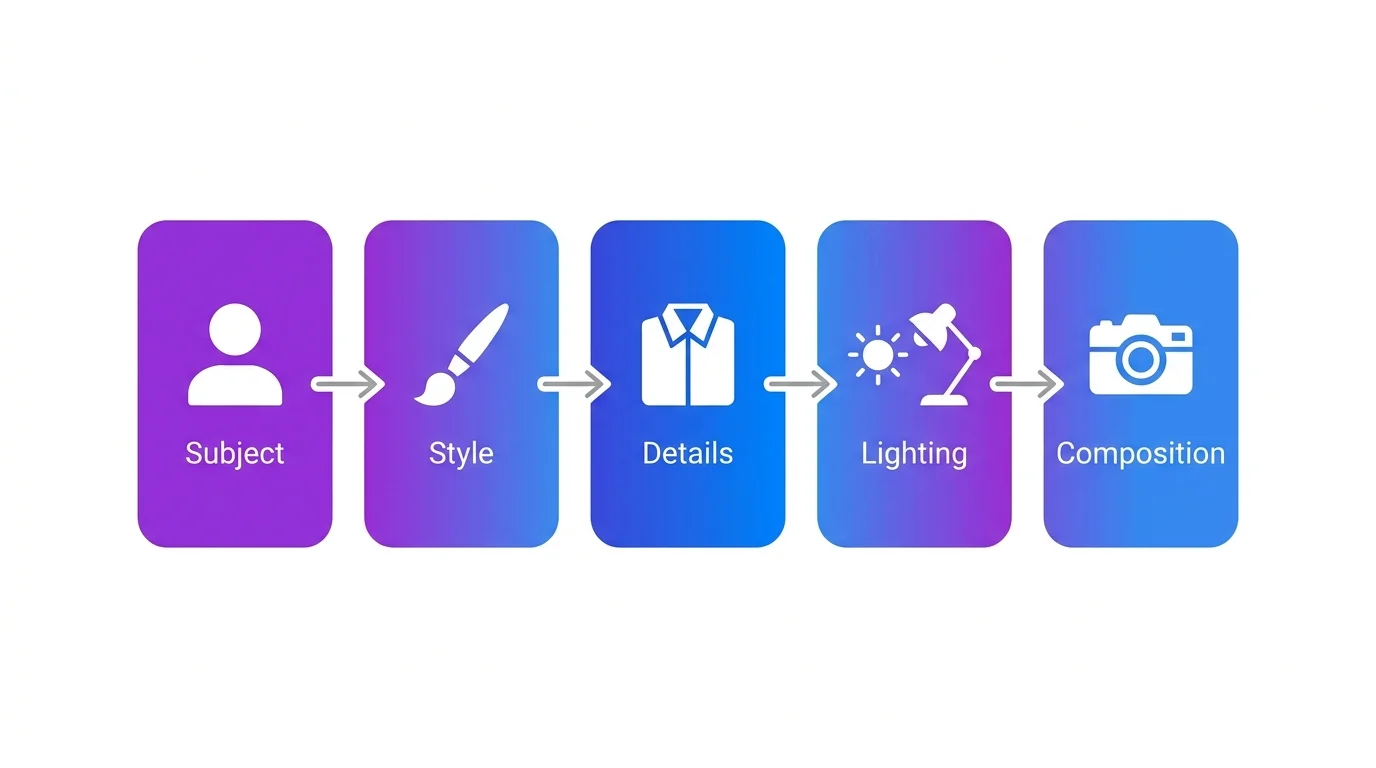
The AI Prompt Formula (Subject + Style + Details + Lighting + Composition)
Every great AI image prompt follows the same 5-part structure. Master this formula and you'll consistently produce high-quality images on any platform.
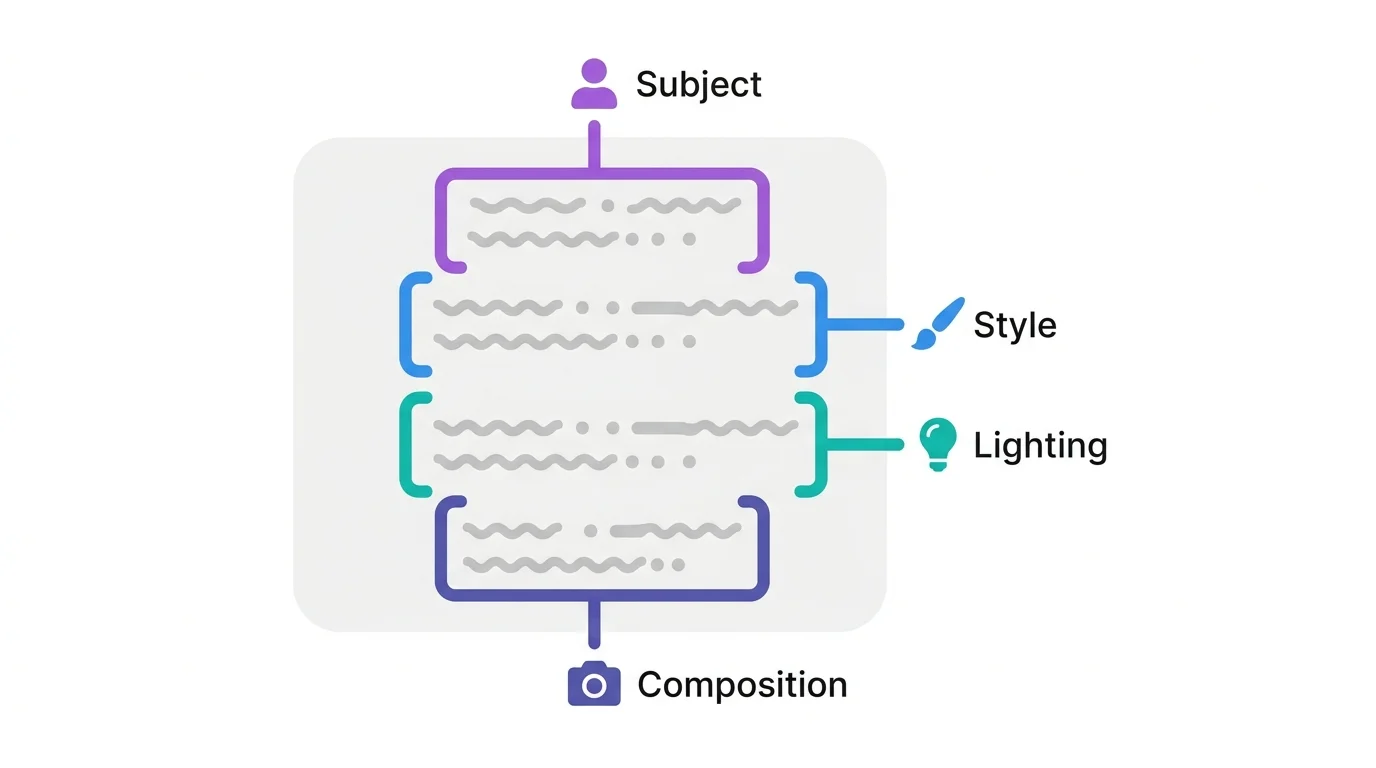
Subject Description
Start with the main subject. Be specific about what it is, what it's doing, and where it is. Instead of "a woman," write "a young woman with curly red hair, sitting at a coffee shop window, reading a book." The more concrete details, the more control you have.
Art Style Keywords
The style keyword is the single most impactful part of your prompt. It determines the entire visual language. "Pixar 3D render," "photorealistic," "watercolor painting," "anime illustration," "oil painting" - each produces a completely different result from the same subject. Learn more about every style option in our complete AI art styles guide.
Clothing & Accessories
Specific details prevent the AI from making random choices. Describe colors, materials, textures, and accessories. "Wearing a navy blue linen suit with gold cufflinks" is infinitely better than "wearing a suit." Every detail you add removes one random decision the AI would make.
Lighting & Atmosphere
Lighting transforms ordinary images into cinematic ones. Key phrases: "golden hour lighting," "dramatic rim lighting," "soft studio lighting," "neon glow," "volumetric fog," "moonlight through window." For a deep dive into lighting techniques, see our camera angles and lighting guide.
Camera Angle & Composition
Tell the AI where the virtual camera is. "Low angle hero shot," "extreme close-up," "wide establishing shot," "bird's eye view," "over-the-shoulder." Adding "shallow depth of field" or "bokeh background" creates professional-looking focus effects.
Resolution Keywords
End with quality boosters: "8K resolution," "ultra detailed," "sharp focus," "high quality," "professional photography." These push the AI to produce cleaner, more detailed outputs rather than settling for average quality.
Beginner vs Pro Prompt (Side-by-Side)
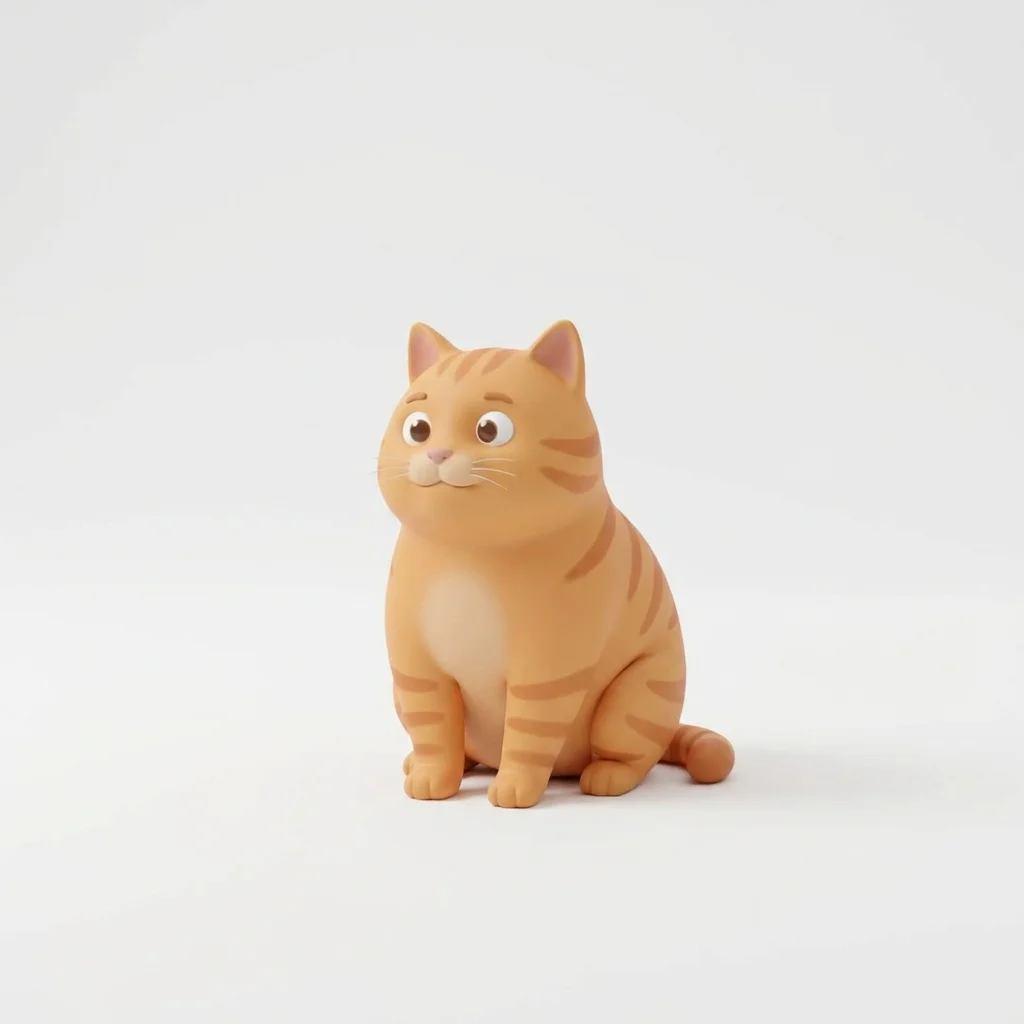
Let's see the formula in action. Here's the exact same concept - a cat in a library - written two ways:
❌ Beginner Prompt
✓ Pro Prompt
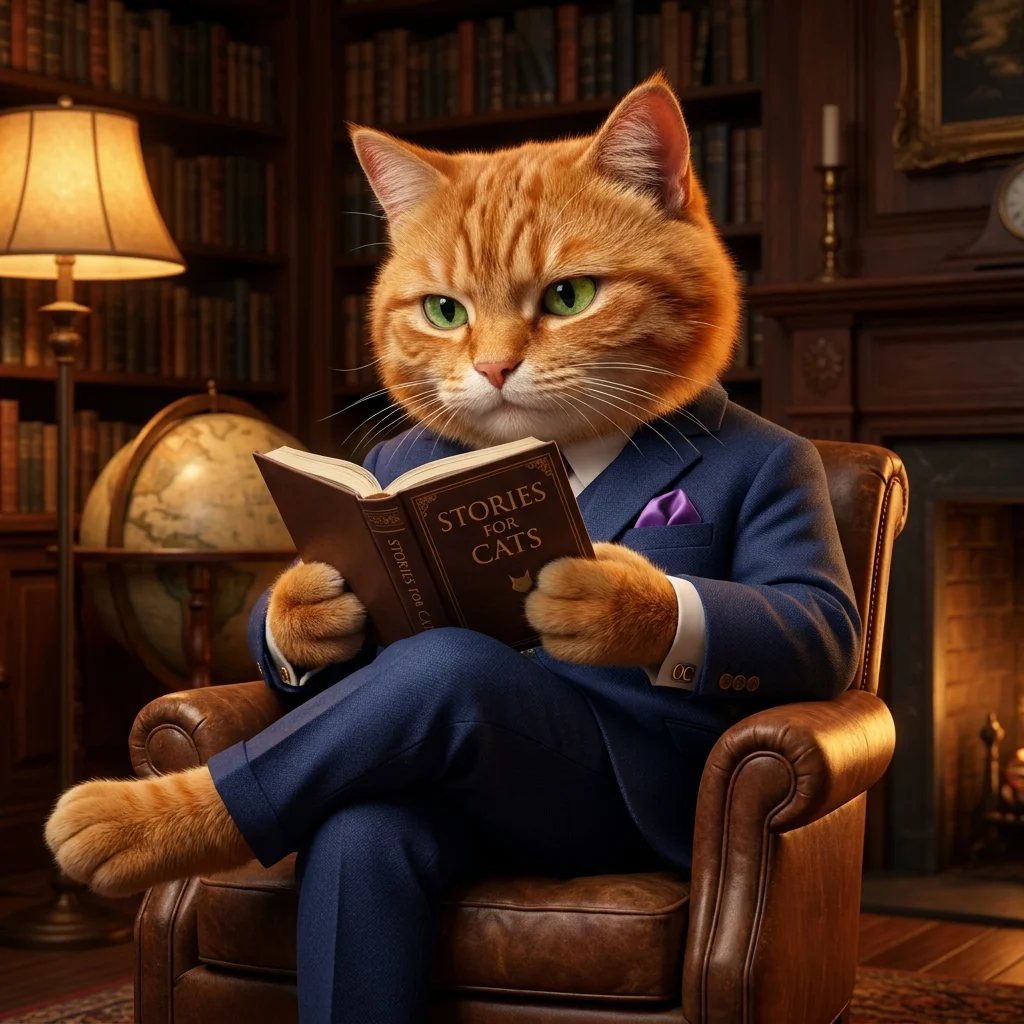
Same subject. Dramatically different results. The pro prompt uses all 5 formula elements: specific subject, art style, details (spectacles, leather chair), lighting (golden hour, volumetric), and composition (shallow DOF, 8K).
10 Free AI Image Prompt Examples You Can Copy
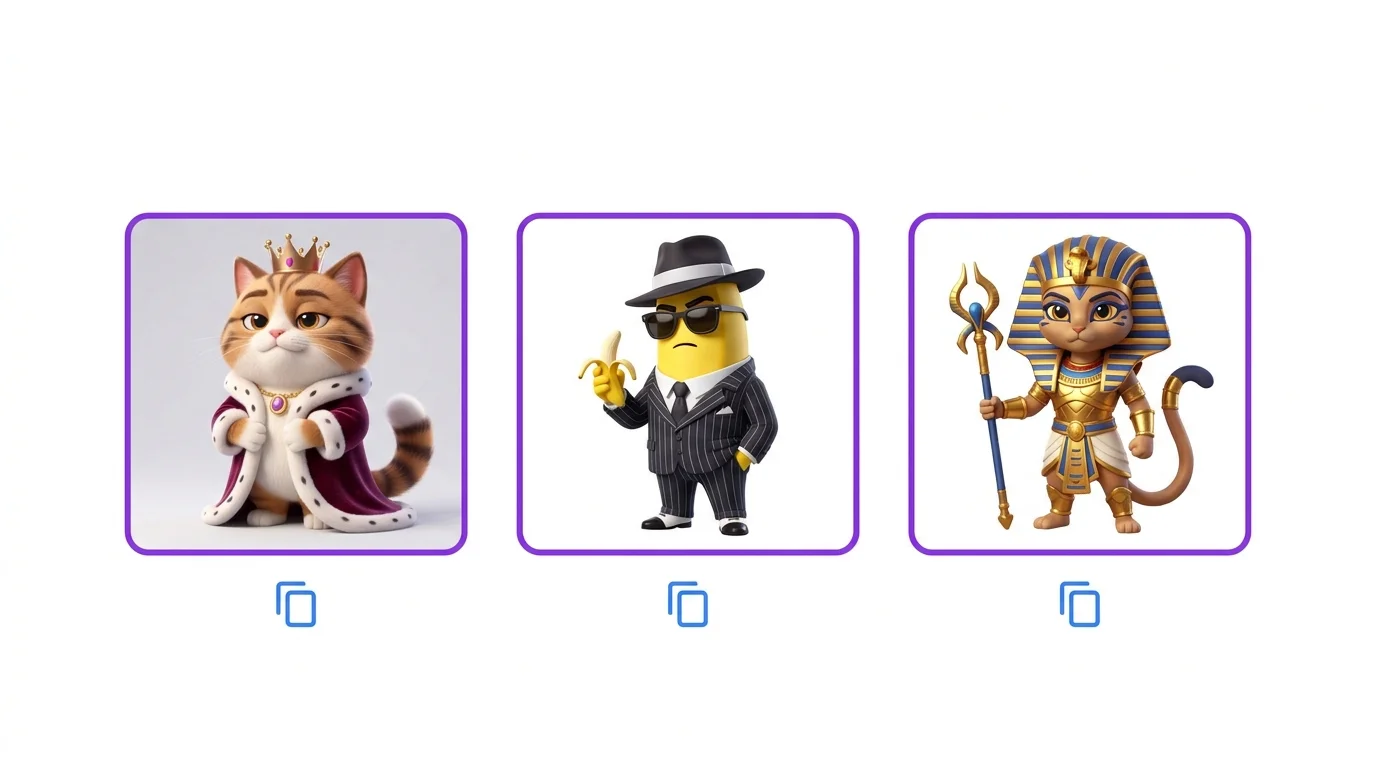
Here are 10 ready-to-use prompts covering different styles. Copy them directly into Midjourney, DALL-E, Leonardo AI, or any generator:
Common Prompt Mistakes and How to Fix Them
Most AI images look bad not because of the tool, but because of fixable prompt errors. Here are the most common ones - for a complete breakdown of all 10 mistakes with visual examples, see our dedicated AI prompt mistakes guide.
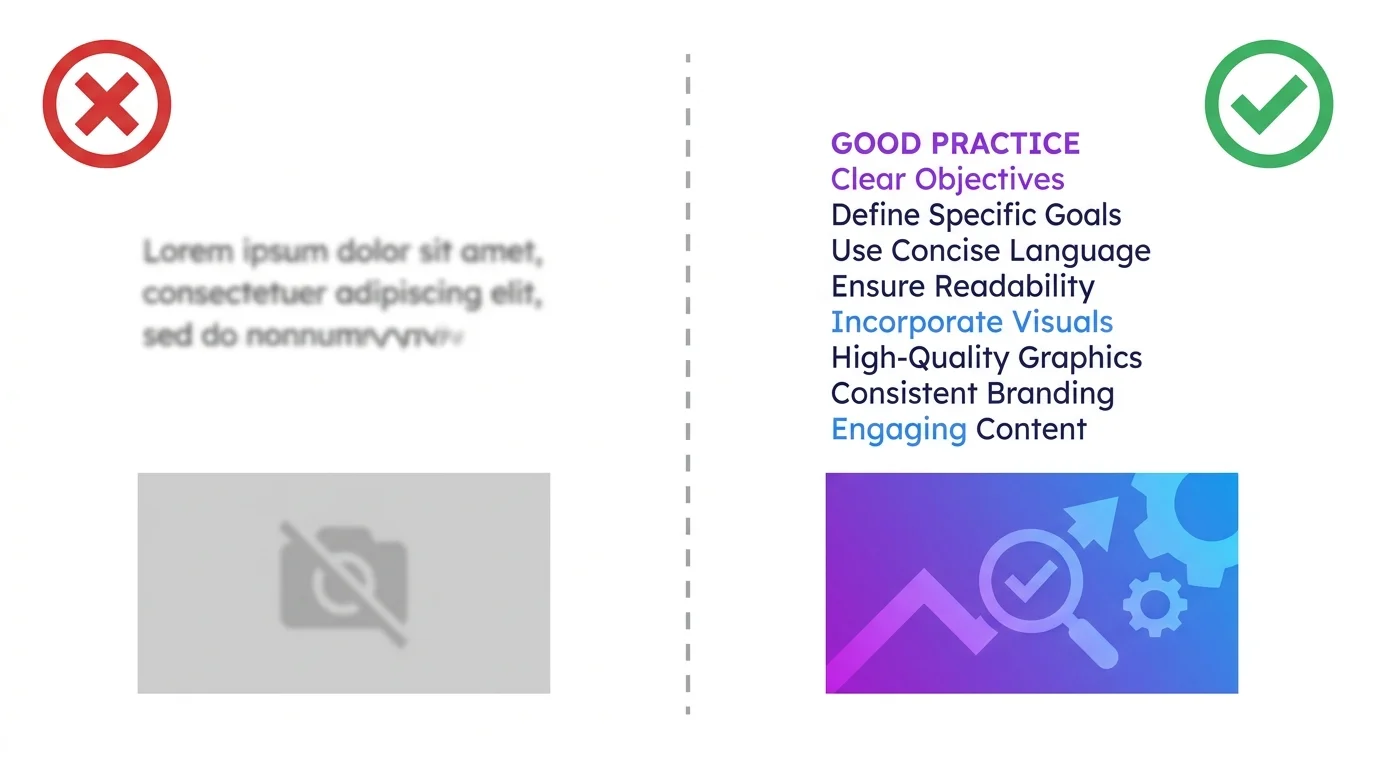
- Too vague: Add specific details - colors, materials, quantities, positions
- No style keyword: Always include an art style or the AI picks randomly
- Missing lighting: Without lighting direction, images look flat and amateur
- Too many subjects: Keep focus on 1-2 main elements per image
- Contradictory keywords: Don't mix "minimalist" with "ultra detailed complex" - pick a direction
Advanced Techniques
Negative Prompts
Negative prompts tell the AI what to exclude. In Stable Diffusion, use a separate negative prompt field. In Midjourney, use --no (e.g., --no text, watermark, blur). Common negative prompts: "blurry, low quality, deformed hands, extra fingers, watermark, text, signature."
Weighted Keywords
Some generators let you emphasize specific words. In Stable Diffusion, use parentheses: (golden lighting:1.5) makes it 1.5× stronger. In Midjourney, word order handles emphasis (earlier = stronger). This technique gives you fine-grained control over which elements dominate.
Style Mixing
Combine two styles for unique results: "Pixar 3D meets film noir," "watercolor with cyberpunk elements," "anime style but photorealistic lighting." Style mixing creates distinctive looks that stand out. Our art styles guide covers 15+ styles you can mix and match.
Which AI Generators Work Best With These Prompts
The prompt formula works universally, but each platform has strengths. For a full comparison with pricing and features, see our AI generator comparison guide.
| Generator | Best For | Prompt Style | Free Tier |
|---|---|---|---|
| Midjourney | Artistic quality, aesthetics | Keywords + parameters | No |
| ChatGPT / DALL-E | Conversational, iteration | Natural language | Limited |
| Leonardo AI | Speed, model variety | Keywords + settings | Yes (150/day) |
| Stable Diffusion | Control, customization | Weighted keywords | Yes (local) |
| Flux | Prompt accuracy, text | Detailed natural language | Limited |
| Adobe Firefly | Commercial safety | Simple keywords | Yes (25/mo) |
Each tool has a dedicated guide: Midjourney, ChatGPT + DALL-E, Leonardo AI, and Stable Diffusion.