Midjourney Prompt Guide: Parameters, Tips & Examples (2026)

Complete Midjourney guide with every parameter explained. --ar, --stylize, --cref, --sref, --chaos, --quality, and 10 free copy-paste prompts with a cheat sheet.

Tool Guides Apr 27, 2026 · 15 min read
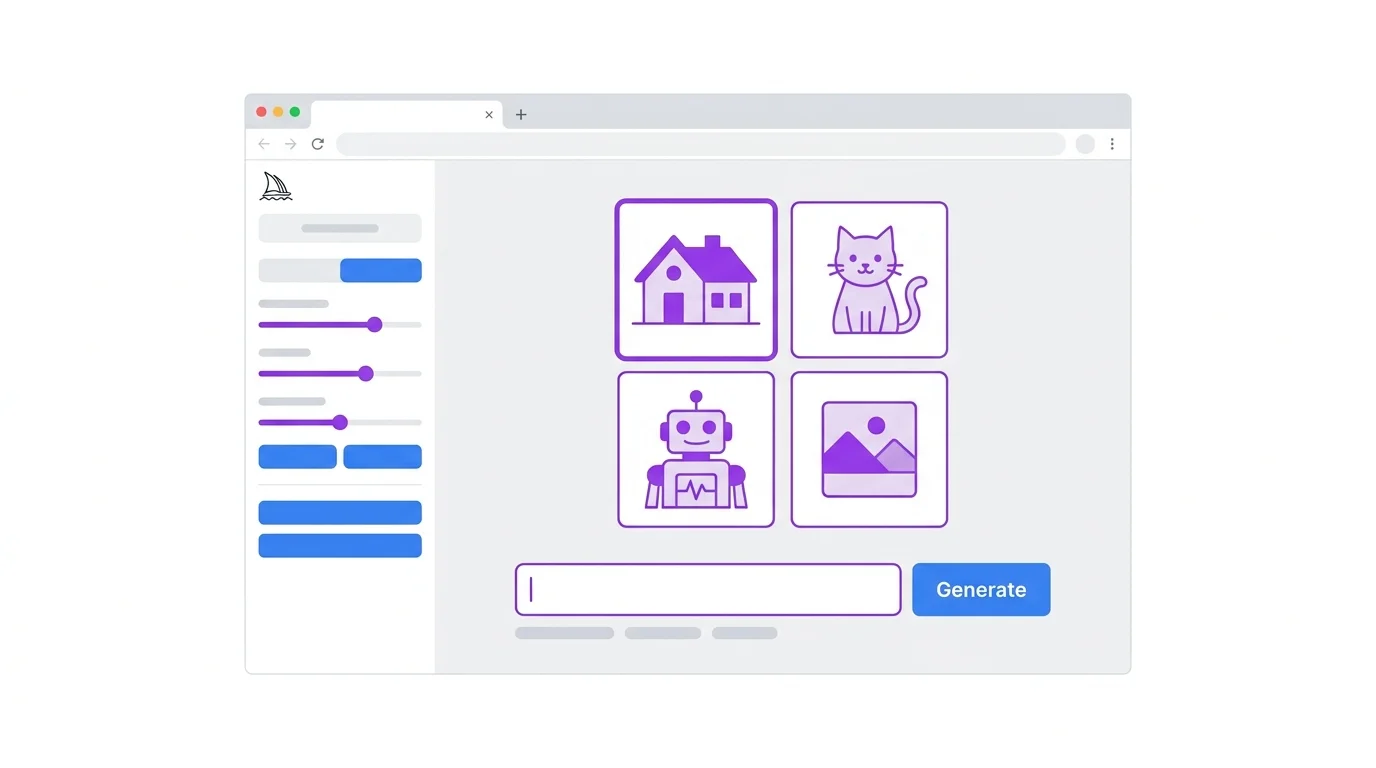
Midjourney web app interface showing prompt input and generation results - Smart AI Edits

Getting Started with Midjourney in 2026

Account Setup and Plans

Midjourney requires a paid subscription. Sign up at midjourney.com and choose a plan: Basic ($10/mo, ~200 gens), Standard ($30/mo, ~900 gens), Pro ($60/mo, unlimited relaxed). All paid plans include commercial use rights.

Web App vs Discord

Midjourney now has a full web app at midjourney.com/imagine where you can generate directly in the browser. Discord is still supported but the web app is more intuitive for most users. The web app offers better organization, a gallery view, and easier parameter controls.

Prompt Structure

Basic Syntax

Midjourney prompts follow this format: [description] [parameters]. The description is your text prompt. Parameters start with -- and go at the end. Example:

A majestic snow leopard perched on a Himalayan cliff edge, golden sunrise light, dramatic rim lighting, shallow depth of field, photorealistic --ar 16:9 --s 750 --v 6.1

How Midjourney Reads Your Prompt

Words at the beginning have more influence. Put your most important concepts first. Midjourney does not understand complex grammar - it responds to keywords and phrases. Short, keyword-rich prompts often outperform long sentences. For the universal prompt formula, see our prompt writing guide.

Essential Parameters

--ar (Aspect Ratio)
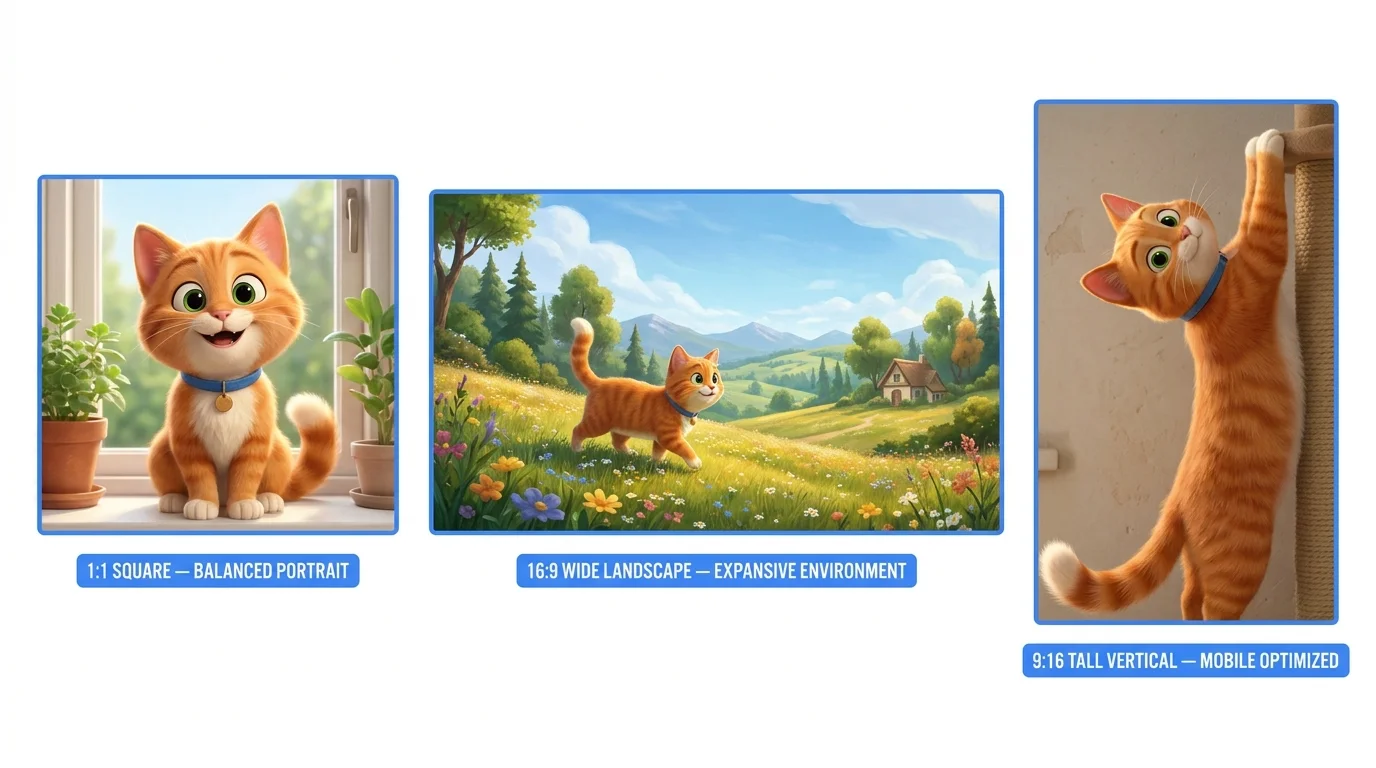
Midjourney aspect ratio examples showing different --ar values

Controls the shape of your output. Default is 1:1 (square).

Ratio Use Case Parameter
1:1Instagram posts, profile picturesDefault
16:9YouTube thumbnails, desktop wallpapers--ar 16:9
9:16TikTok, Reels, Stories--ar 9:16
4:5Instagram portrait posts--ar 4:5
3:2Classic photo format--ar 3:2
21:9Ultrawide cinematic--ar 21:9

--stylize (--s)

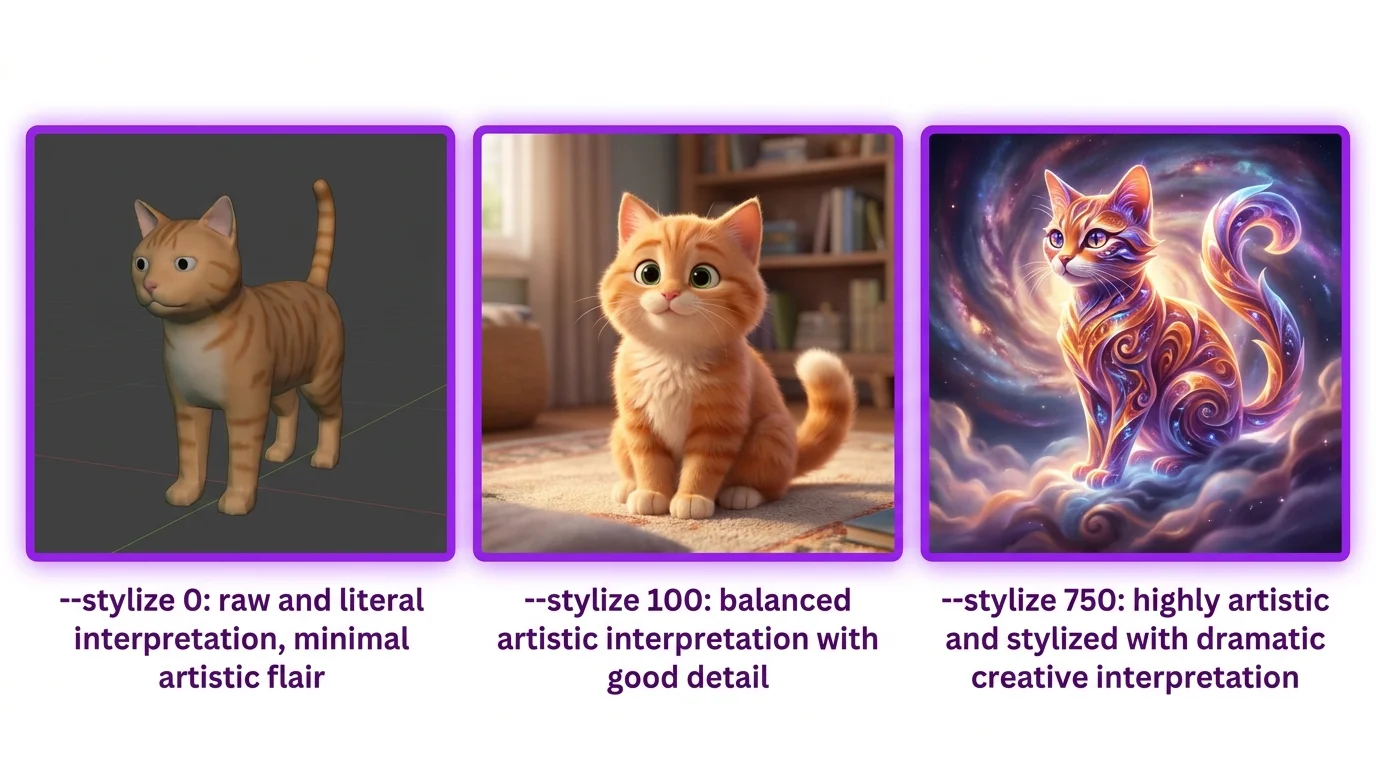
Midjourney stylize parameter comparison showing low to high values

Controls how much artistic flair Midjourney adds. Range: 0-1000. Default: 100.

  • --s 0: Follows your prompt very literally. Less "pretty" but more accurate
  • --s 100: Default balance of accuracy and aesthetics
  • --s 500-750: More artistic, very pleasing results. Our recommended sweet spot
  • --s 1000: Maximum beauty but may deviate significantly from your prompt

--chaos (--c)

Controls how different the 4 variations are from each other. Range: 0-100. Default: 0.

  • --c 0: All 4 results look very similar (default)
  • --c 25-50: Good for exploring variations while staying on topic
  • --c 100: Wildly different results - useful when brainstorming

--quality (--q)

Controls generation quality/detail. --q 0.5 is faster but less detailed. --q 1 is default. Higher does not always mean better - the default is usually optimal.

--no (Negative Prompt)

Tells Midjourney what to exclude: --no text, watermark, blur, extra fingers. Essential for clean results. Always include --no text if you do not want random text appearing in your image.

Advanced Parameters

--cref (Character Reference)
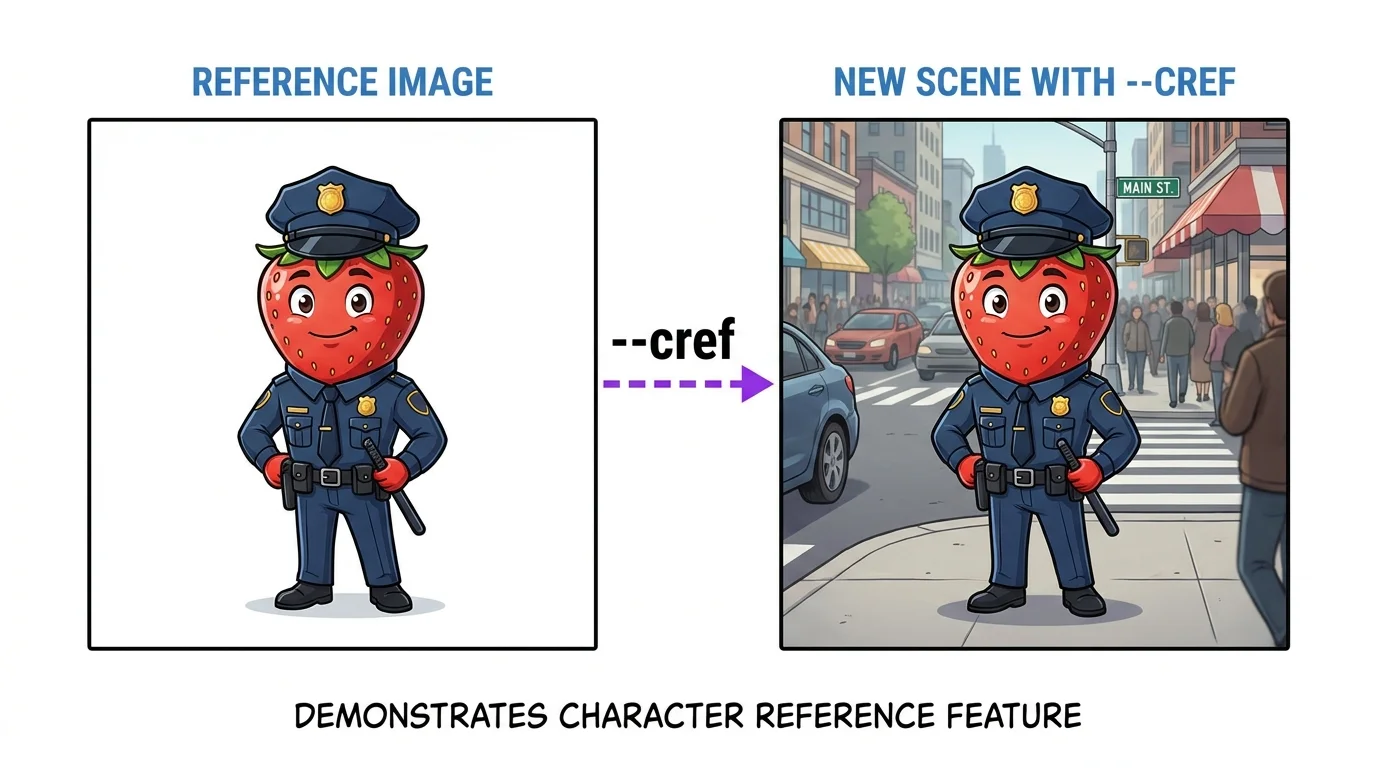
Midjourney character reference --cref result showing consistent character

The most powerful feature for storytelling. Paste a URL of a character image and Midjourney will try to replicate that character:

A young woman with red hair standing in a rainy Tokyo street, neon reflections, cinematic --cref [paste image URL here] --cw 100 --ar 9:16

--cw controls character weight (0-100). Use 100 for maximum face matching, lower values for more flexibility. For complete consistency techniques, see our character consistency guide.

--sref (Style Reference)

Replicate the visual style of a reference image without matching the content:

A cozy coffee shop interior, warm lighting, afternoon sun --sref [paste style reference URL] --sw 100

--sw controls style weight. Great for maintaining a consistent look across an entire story or series.

--tile (Patterns)

Generates seamless, tileable patterns. Perfect for backgrounds, textures, and wrapping paper designs: --tile

Style Keywords That Work Best

Midjourney responds especially well to these style keywords:

  • Photorealistic: "photorealistic, shot on Canon R5, 85mm f/1.4, natural lighting"
  • Cinematic: "cinematic still, anamorphic lens, film grain, teal and orange"
  • Pixar/3D: "Pixar Disney 3D render, cute, soft lighting, subsurface scattering"
  • Anime: "anime illustration, vibrant colors, cel shaded, Studio Ghibli"
  • Fantasy: "epic fantasy art, dramatic lighting, Greg Rutkowski style"

For every art style with visual examples, see our AI art styles guide.

10 Free Midjourney Prompts
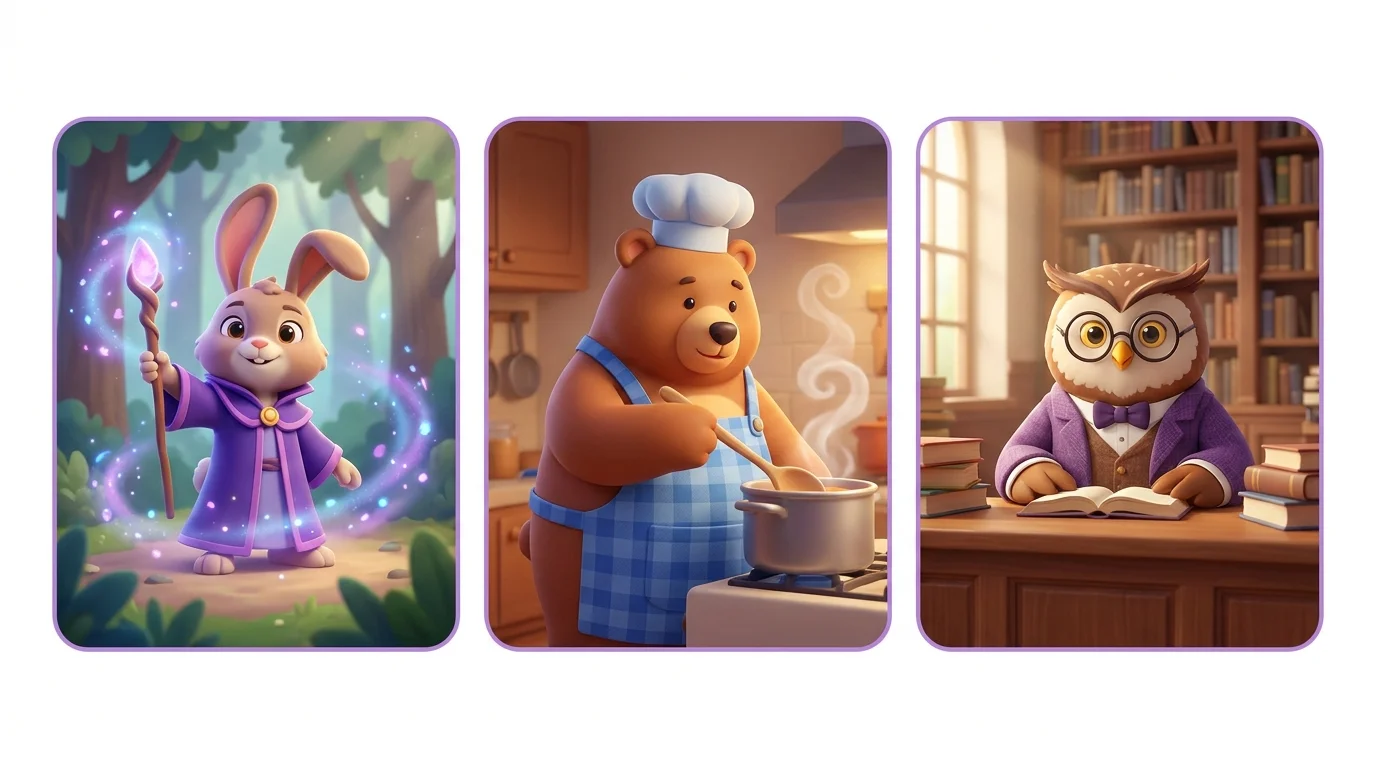
Three Midjourney example outputs in different styles
1. Cinematic Portrait: Close-up portrait of a weathered old fisherman with deep wrinkles and kind eyes, salt and pepper beard, wearing a worn navy peacoat, golden hour rim lighting, ocean in background, shallow depth of field, photorealistic --ar 4:5 --s 750
2. Fantasy Landscape: A floating island city above the clouds at sunset, waterfalls pouring off the edges into the void below, bridges connecting tower spires, warm golden light, epic fantasy art, volumetric clouds --ar 16:9 --s 800
3. Product Shot: A sleek matte black smartwatch floating in mid-air, single dramatic side light, pure white background, reflection on glossy surface below, Apple-style product photography, ultra clean --ar 1:1 --s 500
4. Anime Scene: A lone samurai standing on a moonlit rooftop in feudal Japan, cherry blossom petals falling, katana at side, dramatic backlit silhouette, anime illustration, Studio Ghibli meets Makoto Shinkai --ar 16:9 --s 750
5. Cozy Interior: A hygge Scandinavian living room at Christmas, crackling fireplace, candles everywhere, knit blankets on a cream sofa, snow falling outside the window, warm golden light, photorealistic --ar 16:9 --s 600
6. Cyberpunk Street: A neon-drenched back alley in a cyberpunk megacity, holographic advertisements floating above, rain-slicked streets reflecting pink and cyan lights, a lone figure in a trench coat, Blade Runner atmosphere --ar 9:16 --s 750
7. Cute Character: An adorable baby dragon made of crystal, sitting on a mossy rock, tiny wings folded, big sparkly eyes, magical forest clearing, fairy lights, Pixar 3D render style, soft volumetric lighting --ar 1:1 --s 800
8. Food Photography: A rustic artisan pizza fresh from a wood-fired oven, bubbling mozzarella, fresh basil, on a worn wooden paddle, flour-dusted surface, steam rising, dark moody food photography --ar 4:5 --s 500
9. Architecture: A brutalist concrete library building floating above a serene lake, impossible architecture, reflection in still water, overcast sky, minimal, architectural photography --ar 16:9 --s 600
10. Horror: An abandoned Victorian dollhouse in a dark attic, one tiny window casting a beam of dusty light, a single porcelain doll sitting on the floor facing the camera, unsettling atmosphere, horror photography --ar 4:5 --s 750

Prompt Cheat Sheet

Parameter What It Does Our Recommendation
--arAspect ratioMatch your platform
--sStylize (0-1000)500-750 for best look
--cChaos (0-100)25 for exploration
--noNegative promptAlways use --no text
--crefCharacter reference--cw 100 for face match
--srefStyle reference--sw 100 for full match
--vModel versionUse latest (default)
--tileSeamless patternFor textures/backgrounds

Frequently Asked Questions

No, Midjourney requires a paid subscription. The Basic plan is $10/month for about 200 generations. There is no free trial currently available. However, you can browse the community gallery for free to see what others are creating.

Stylize (--s) controls how much artistic interpretation Midjourney applies. Low values follow your prompt literally, high values add more beauty but deviate from your description. Chaos (--c) controls variation between the 4 generated images. Low chaos gives similar results, high chaos gives wildly different options.

Character reference (--cref) lets you paste a URL of a reference image. Midjourney will try to match the character's face and features in the new generation. Use --cw 100 for maximum face matching or --cw 0 for style-only matching. It is the easiest way to maintain character consistency.

Style reference (--sref) works like --cref but for overall visual style instead of character. Paste a URL of an image whose style you want to replicate. Midjourney will generate your prompt in that visual style. Great for maintaining a consistent aesthetic across a series.

Use the latest version (currently v6.1 or v7 depending on release). Newer versions produce higher quality results with better hands, text rendering, and prompt understanding. You can specify with --v 6.1 but the default is usually the best choice.

Continue Learning

← Back to All Guides