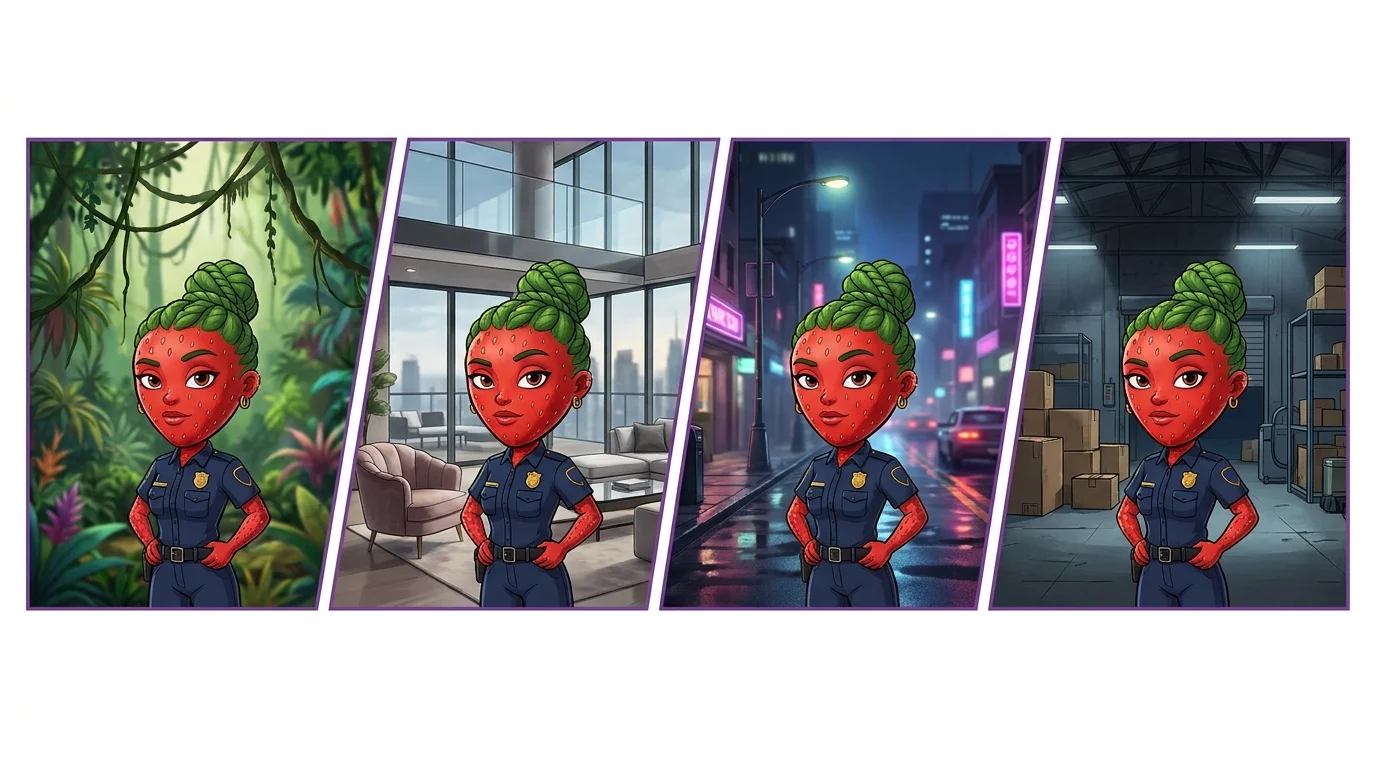
Why Character Consistency Matters
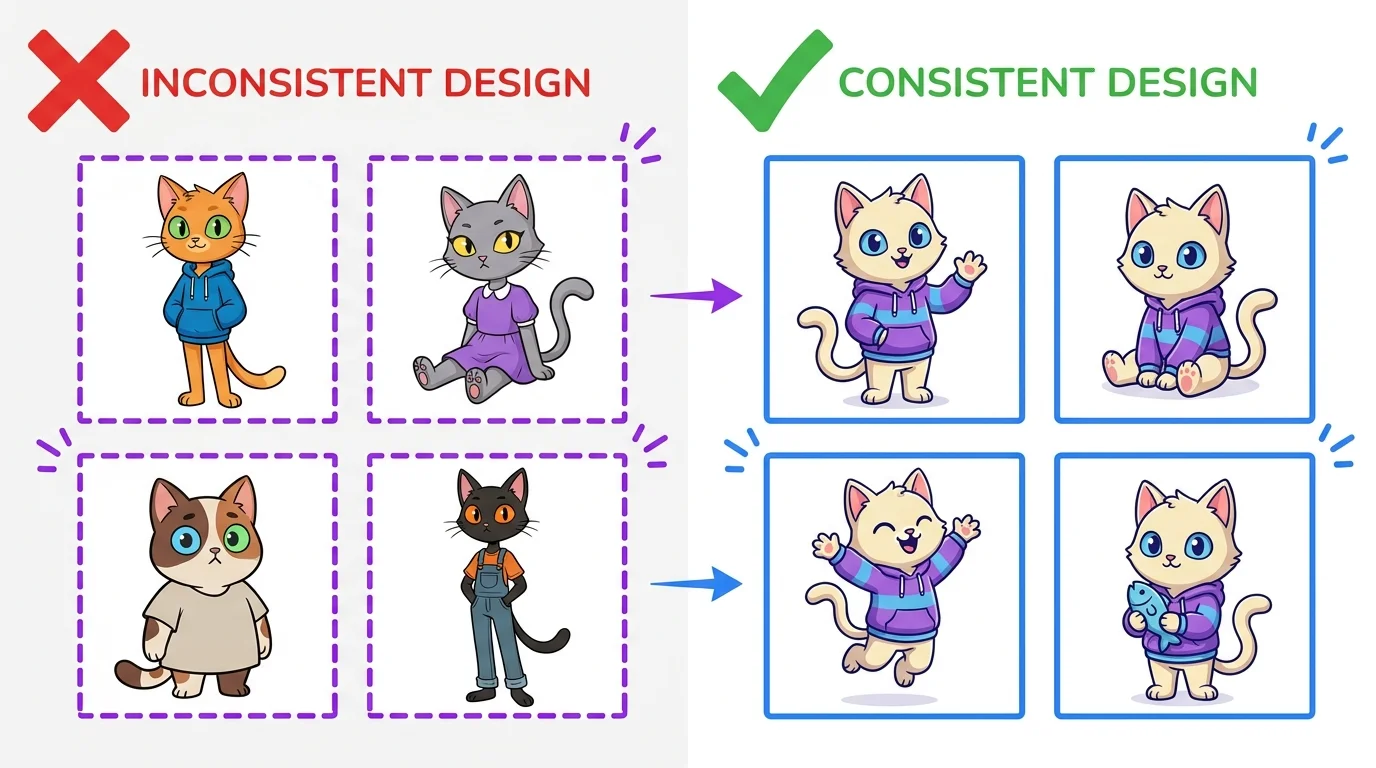
Character consistency is the number one challenge in AI art. Whether you are building an AI-powered comic, a TikTok story series, or a children's book, your audience needs to recognize the same character across every scene. Without consistency, your story falls apart visually.
The problem is that AI generators produce variations by default. Every new generation uses a different random seed, which means the same prompt can produce a character with slightly different facial features, hair color, body proportions, or clothing details each time.
For AI Stories
If you are creating AI visual stories, character consistency is non-negotiable. Your viewer needs to instantly recognize the protagonist in every panel. A character whose face changes between scenes breaks immersion and looks unprofessional. This is especially critical for serialized content on TikTok and Instagram.
For Social Media Series
AI creators building recurring character-based content - like mascots, brand characters, or story series - need rock-solid consistency. Your followers expect the character they followed you for. Inconsistency signals amateur work and kills engagement.
The Detailed Character Description Method
The foundation of consistency is a thorough text description that anchors every generation. This works across all platforms and requires no special tools - just a well-crafted prompt prefix.
Character Reference Sheet
Start by generating a character reference sheet - a single image showing your character from multiple angles. Use a prompt like this:
Locking Physical Features
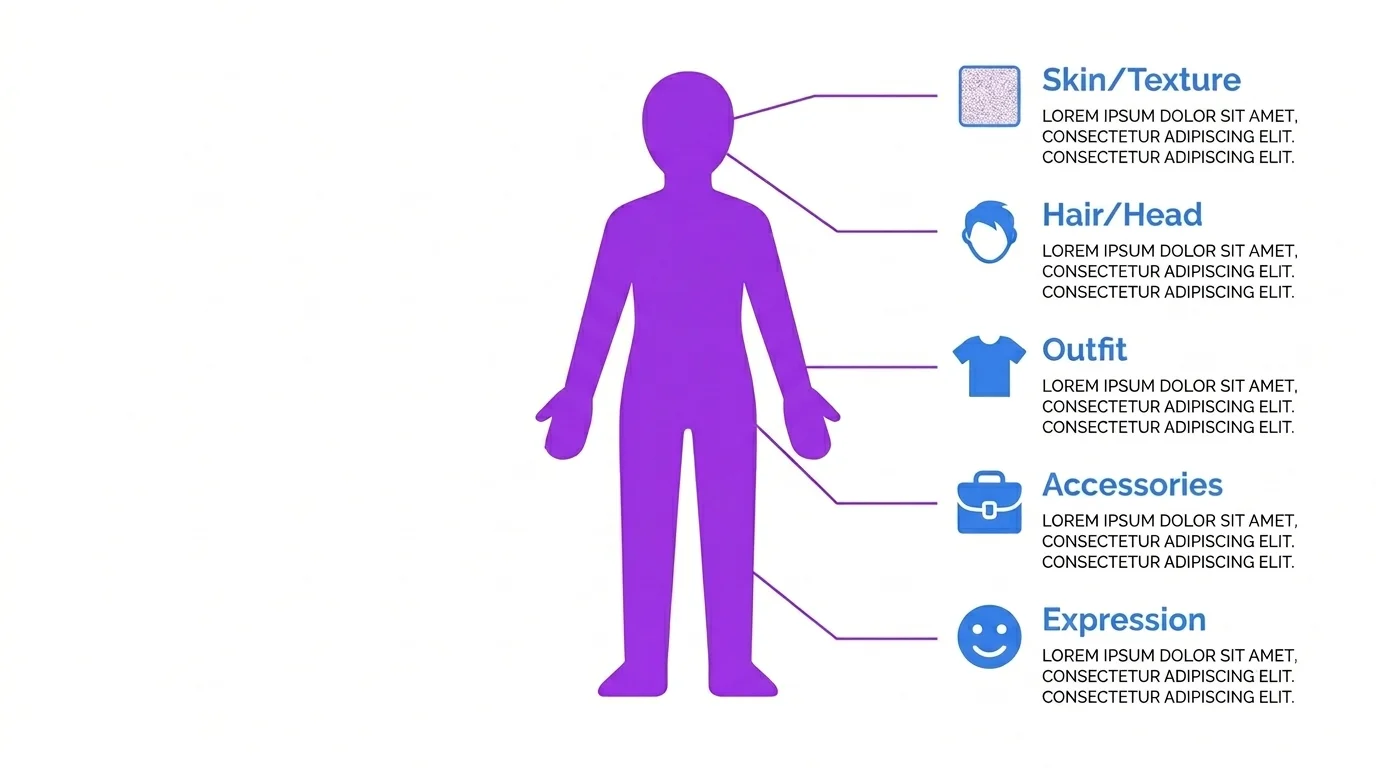
Once you have your reference sheet, extract a detailed text description. Be specific about every permanent feature:
- Face: Eye color, eye shape, nose shape, jawline, skin tone, freckles, scars
- Hair: Color, length, style, texture (curly, straight, wavy), any highlights
- Body: Height, build, age range, posture
- Distinguishing marks: Tattoos, birthmarks, piercings, glasses
Example: "A 28-year-old woman with shoulder-length auburn wavy hair, green eyes, light freckles across her nose, fair skin, slim athletic build, 5'7"." Use this exact description as a prefix in every scene prompt.
Locking Outfit
Define a default outfit with the same level of detail: "Wearing a dark green oversized knit sweater, high-waisted black jeans, white sneakers, a small gold pendant necklace." When the story requires outfit changes, describe the new outfit just as precisely.
Locking Expressions
For emotional scenes, add expression keywords while keeping all other features identical. "Same character, angry expression, furrowed brows, clenched jaw" or "same character, laughing, eyes crinkled, wide smile." The character description stays constant - only the expression changes.
Character Consistency by Tool
Each AI platform has different approaches to maintaining character consistency. Here is what works best on each one.
| Platform | Method | Difficulty | Consistency Level |
|---|---|---|---|
| Midjourney | --cref (character reference image) | Easy | High (face + style) |
| ChatGPT / DALL-E | Conversation memory + detailed description | Easy | Medium (varies) |
| Leonardo AI | Image guidance + consistent seed | Medium | Medium-High |
| Stable Diffusion | IP-Adapter or LoRA training | Advanced | Very High |
Midjourney --cref
Midjourney's --cref parameter is the easiest way to achieve character consistency. Generate one great image of your character, then reference it in subsequent prompts:
The --cw parameter controls how strongly the reference is followed (0-100). Use --cw 100 for maximum face consistency, or --cw 50 if you want the character's outfit to change. For a complete Midjourney parameter guide, see our Midjourney prompt guide.
ChatGPT/DALL-E Memory
ChatGPT remembers your character within a conversation. Start by describing your character in detail, generate the first image, then say "now show this same character in a different scene." The conversation context helps DALL-E maintain consistency, though it is not as precise as --cref. Read more in our ChatGPT + DALL-E guide.
Stable Diffusion IP-Adapter and LoRA
For the highest level of control, Stable Diffusion offers two approaches. IP-Adapter lets you feed a reference image that influences the generation without training. LoRA (Low-Rank Adaptation) actually trains the model on your character using 10-20 reference images, creating a permanent character model you can invoke with a single keyword. Our Stable Diffusion guide covers the full setup.
Copy-Paste Character Template
Use this template as a starting point. Fill in your character details and paste it as a prefix before every scene description:
[Name] is a [age]-year-old [gender] with [hair color] [hair length] [hair style] hair, [eye color] eyes, [skin tone] skin, [build] build, [height]. Distinguishing features: [any unique marks]. Wearing [detailed outfit description]. Expression: [current emotion].
Maya is a 24-year-old woman with jet black shoulder-length straight hair with blunt bangs, dark brown almond-shaped eyes, warm olive skin, slim build, 5'6". Distinguishing features: small silver nose ring, thin scar on left eyebrow. Wearing a cropped vintage band t-shirt, baggy cargo pants, chunky black boots, silver chain bracelet. Expression: confident smirk.
Common Problems and Fixes
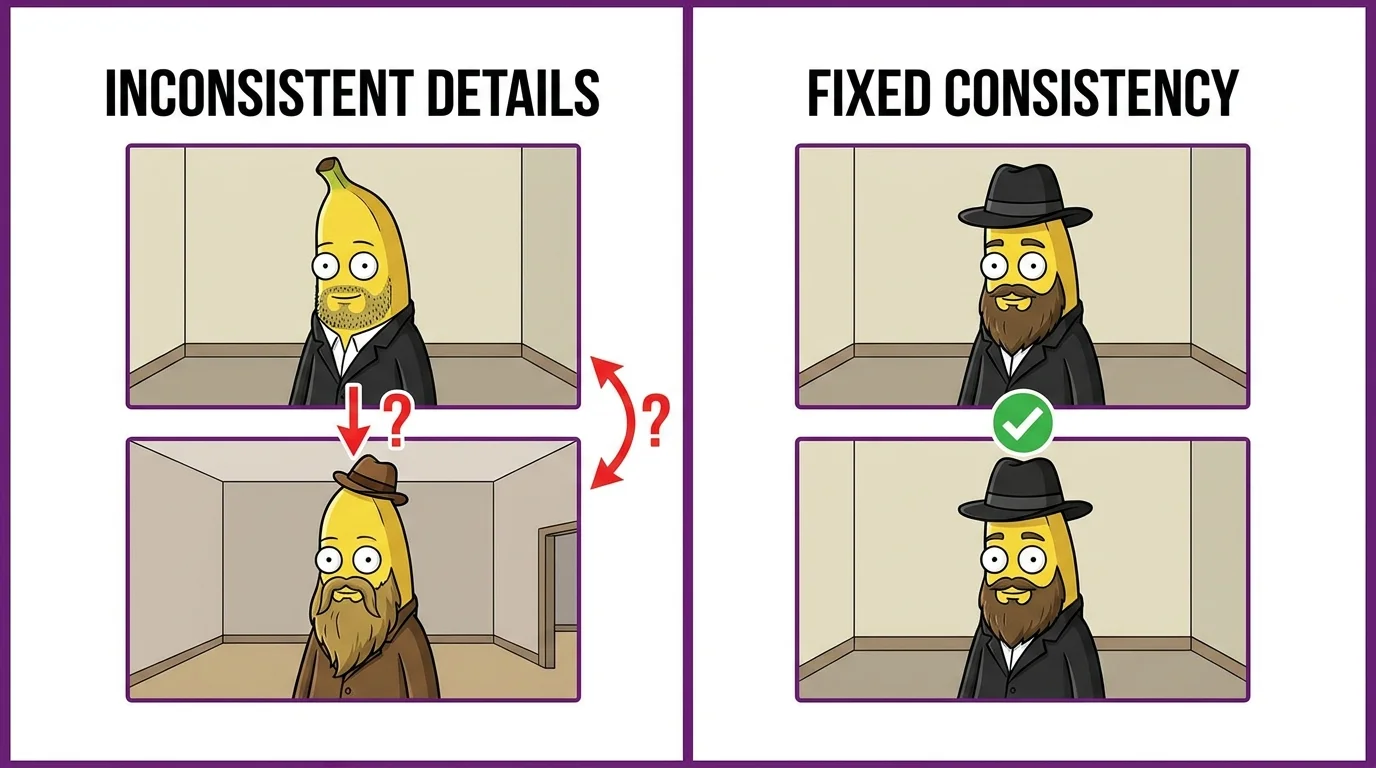
Face Changes Between Scenes
This is the most common issue. Fixes: Use --cref in Midjourney with --cw 100. In Stable Diffusion, use IP-Adapter with a face weight of 0.8+. In text-only approaches, add extreme facial detail to your description - eye shape, nose width, cheekbone height, jawline angle. The more specific, the more consistent.
Outfit Variations
The AI loves to improvise on clothing. Fix: List every single clothing item with colors and materials. Instead of "wearing casual clothes," write "wearing a faded olive green army jacket over a plain white crew-neck t-shirt, dark wash straight-leg jeans, brown leather Chelsea boots." Leave nothing to chance.
Skin and Texture Drift
Skin tone and texture can shift between generations, especially across different lighting conditions. Fix: Include explicit skin descriptors ("warm medium tan skin" not just "tan"), and add "consistent skin tone" to your prompt. In Midjourney, using --cref largely solves this automatically.
Real Example: Our Story Characters
We used these exact techniques to create the characters in our AI visual stories. Each character was first designed with a detailed reference sheet, then every scene used the character prefix template with platform-specific consistency tools. The result is characters that look the same across 20+ scenes.
The key takeaway: invest time upfront in your character design and reference sheet. This saves hours of re-generation later and produces professional-quality results that hold together as a cohesive story.