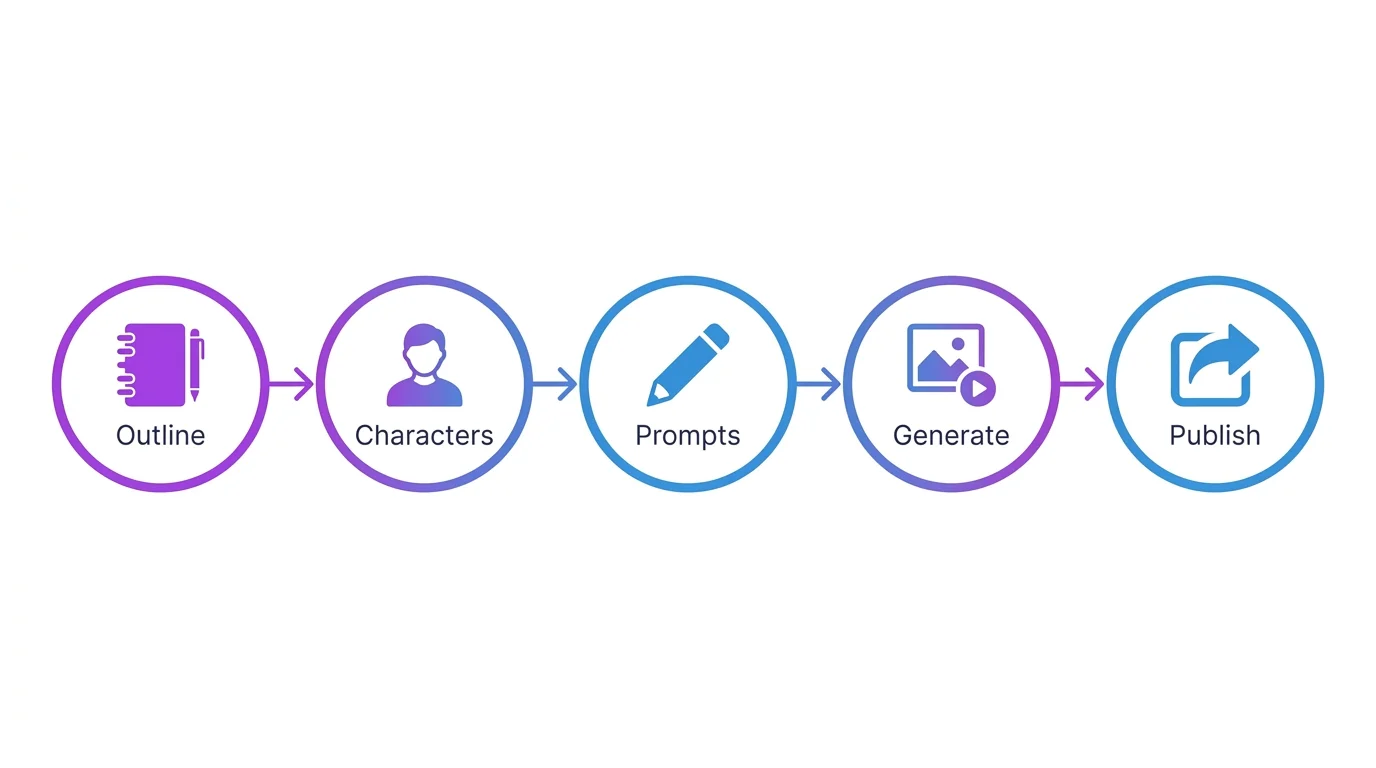
What Is an AI Visual Story?
An AI visual story is a narrative told through a sequence of AI-generated images. Think of it as a comic, picture book, or cinematic slideshow where every frame is created by an AI image generator based on your text prompts. The storyteller writes the scenes, the AI paints them.
This format has exploded on TikTok and Instagram, where creators turn AI image sequences into engaging video content that regularly goes viral. But AI visual stories also work on websites, in portfolios, and even as printed books.
Examples of AI Visual Stories
Check out our own AI visual stories to see what is possible. Each story uses the exact techniques described in this guide - character reference sheets, scene-by-scene prompting, and consistent character descriptions across 15-25 images.
Where to Publish
- TikTok and Instagram Reels: Convert images to video (most popular format)
- Your own website: Full creative control, SEO benefits
- Webtoon and Tapas: Webcomic platforms with built-in audiences
- Medium and Substack: Image-rich articles for newsletters
- AI art communities: Civitai, DeviantArt, ArtStation
Step 1 - Write Your Story Outline
Never start generating images without a plan. The outline is your foundation. AI art credits cost money or time, and generating random scenes without direction wastes both.
Genre and Theme
Pick a genre that works well with AI art: mystery, fantasy, sci-fi, romance, horror, slice-of-life. AI excels at atmospheric, cinematic scenes. Define your theme in one sentence: "A retired detective investigates a haunted lighthouse" or "Two rival robots fall in love in a junkyard."
Creating Characters
Limit your cast. One or two main characters is ideal for AI storytelling - character consistency gets harder with more characters. Write a detailed description for each character following our character consistency guide.
Breaking Into Scenes
Map out your story beat by beat. A typical AI story has 10-20 scenes. Each scene is one AI image. Here is a simple structure:
- Opening (2-3 scenes): Establish character, setting, and mood
- Rising action (4-6 scenes): The conflict or journey develops
- Climax (2-3 scenes): The peak moment - most dramatic images
- Resolution (2-3 scenes): Aftermath and emotional landing
Step 2 - Design Your Characters
Before generating a single story scene, create your characters. This upfront investment saves hours of frustration later.
Reference Sheets
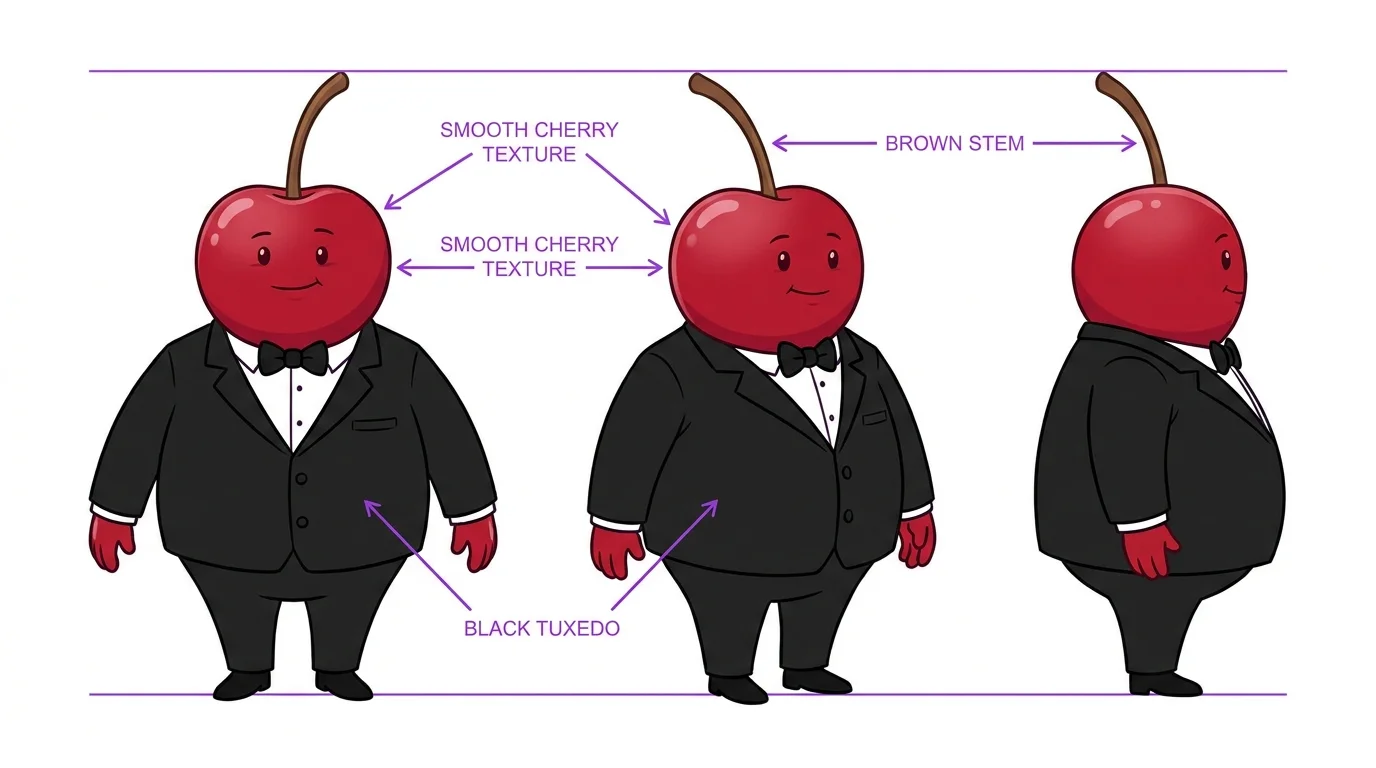
Generate a character reference sheet showing your character from multiple angles. This becomes the visual anchor for your entire story.
Locking Appearance
From the reference sheet, write a detailed text description that becomes your character prefix - the first 2-3 lines of every scene prompt. Include every physical feature, clothing item, and distinguishing detail. This text block stays identical across all scenes. Only the action, expression, and environment change.
Step 3 - Write Scene-by-Scene Prompts
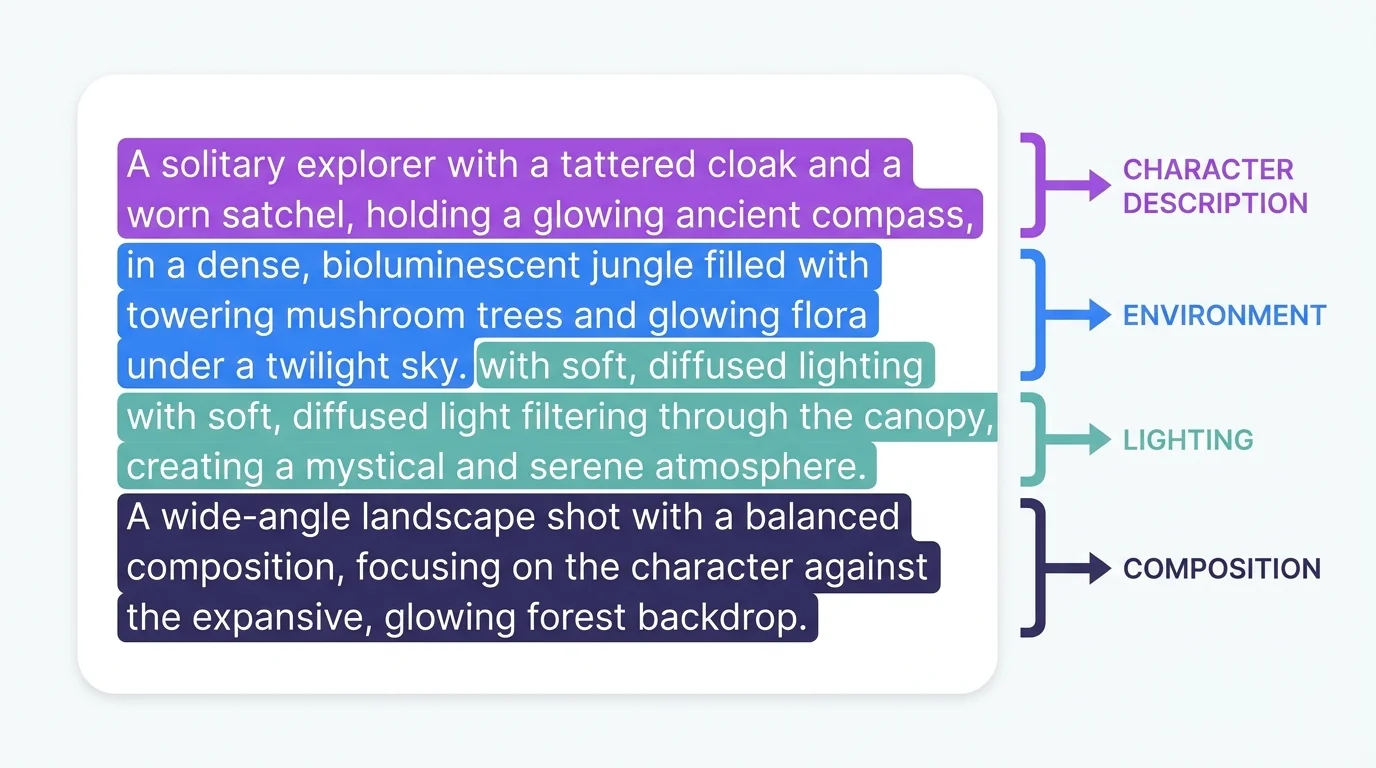
Each scene prompt has three parts that change, plus the character prefix that stays constant:
Environment and Mood
Describe where the scene takes place and what it feels like. "Dark abandoned hospital corridor, flickering fluorescent lights, wet floor reflecting green light, tense horror atmosphere." The environment sets the emotional tone.
Character Actions and Expressions
What is the character doing? What emotion are they showing? "Walking cautiously through the corridor, flashlight in trembling hand, wide frightened eyes, mouth slightly open." These details make your story come alive.
Camera and Lighting
Use cinematic language from our camera angles guide. "Wide establishing shot" for openings. "Extreme close-up" for emotional moments. "Low angle" for power scenes. "Dutch angle" for tension. The camera angle tells your viewer what to feel.
[Character prefix - identical every time], [action and expression], [environment description], [lighting and atmosphere], [camera angle and composition], [art style], [quality keywords]
Step 4 - Generate and Select Images
Batch Generation
Generate 4-8 variations per scene. AI output is probabilistic - not every generation will be perfect. Having multiple options lets you pick the best composition, expression, and consistency match for each scene.
Choosing the Best Variation
Evaluate each variation against three criteria: (1) Does the character match the reference? (2) Does the composition tell the story beat? (3) Is the quality and style consistent with previous scenes? Sometimes a technically imperfect image tells the story better than a perfect one.
Step 5 - Arrange and Publish
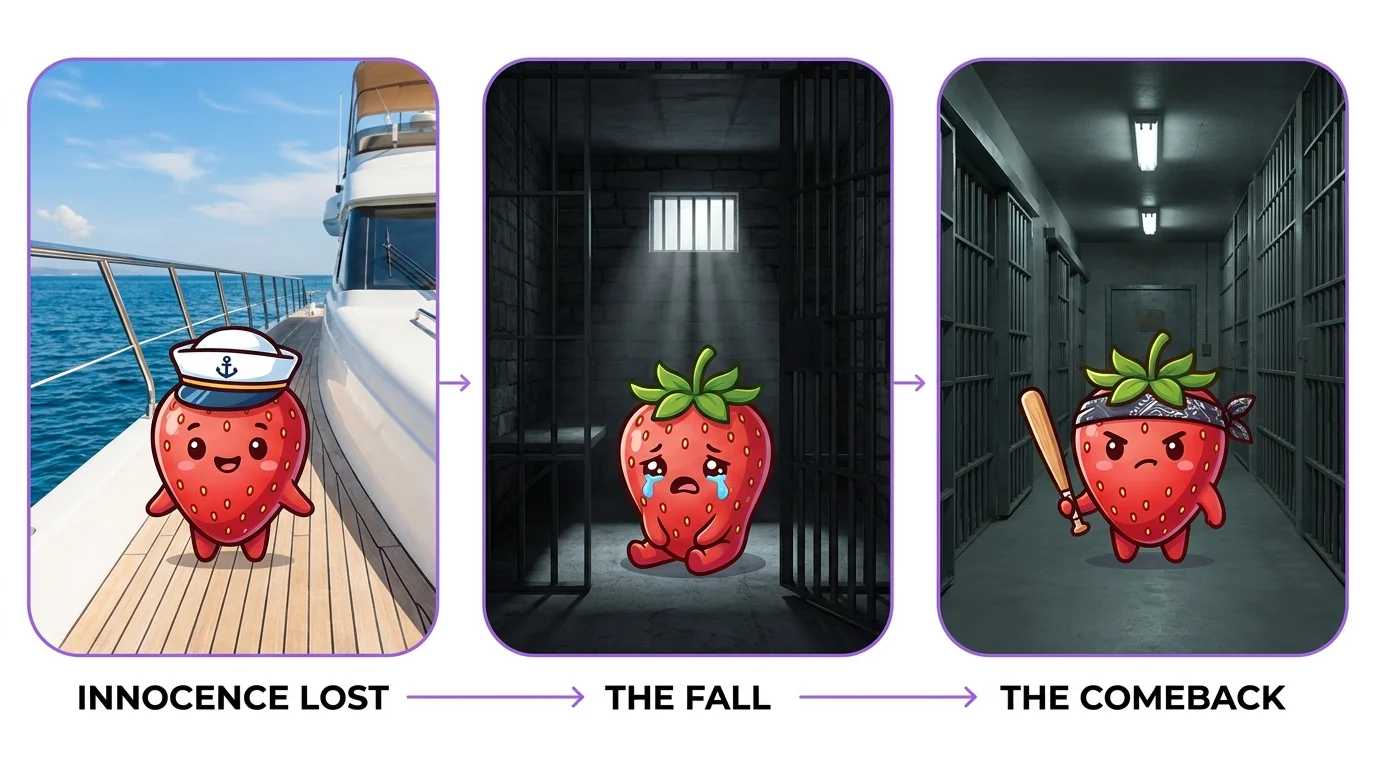
Sequencing
Lay out all your selected images in order. Read through them like a comic. Does the story flow? Is any scene missing? Does the pacing feel right? Add or remove scenes as needed. A good story has rhythm - fast action scenes interspersed with slower emotional beats.
Adding Captions and Narration
For TikTok and Reels, add voiceover narration or text captions over each image. Use CapCut or similar tools to create the video. For web publishing, add text between or below images to narrate the story.
Free Story Prompt Templates
Here are three complete story templates you can customize:
Scene 1: Detective arrives at location, establishing wide shot, moody atmosphere
Scene 2: Discovery of the first clue, close-up on clue with detective's hand
Scene 3: Interviewing a witness, medium two-shot, indoor setting
Scene 4-5: Following leads, different locations, building tension
Scene 6-7: Red herring and misdirection, dramatic angles
Scene 8-9: True clue discovered, close-ups and reaction shots
Scene 10-11: Confrontation with culprit, dramatic lighting, low angles
Scene 12: Resolution, calm lighting, satisfied expression
Scene 1-2: Ordinary world, character in daily life, warm peaceful lighting
Scene 3: Call to adventure, discovering a mysterious object or message
Scene 4-5: Leaving home, journey begins, establishing wide shots of landscape
Scene 6-8: Challenges and allies, action scenes, varied environments
Scene 9-10: Darkest moment, dramatic lighting, intense expressions
Scene 11-12: Finding inner strength, transformation scene
Scene 13-14: Final battle or challenge, epic cinematic angles
Scene 15: Return home changed, mirror of scene 1 with different mood
See Our AI Stories for Inspiration
We publish complete AI visual stories using all the techniques in this guide. Check out our AI stories collection to see character consistency, scene-by-scene prompting, and cinematic techniques in action. Each story page includes behind-the-scenes details about how it was made.