Why AI Storyboards Go Viral
AI-generated stories are one of the fastest-growing content formats on social media. Accounts posting AI visual stories regularly hit millions of views because the format combines two things algorithms love: visual novelty and narrative engagement. People stop scrolling for striking AI art, and they stay for the story.
The barrier to entry is low - you do not need to draw, film, or act. You need a good story idea, solid prompting skills, and a basic video editor. That combination lets a solo creator produce content that competes with full production teams.
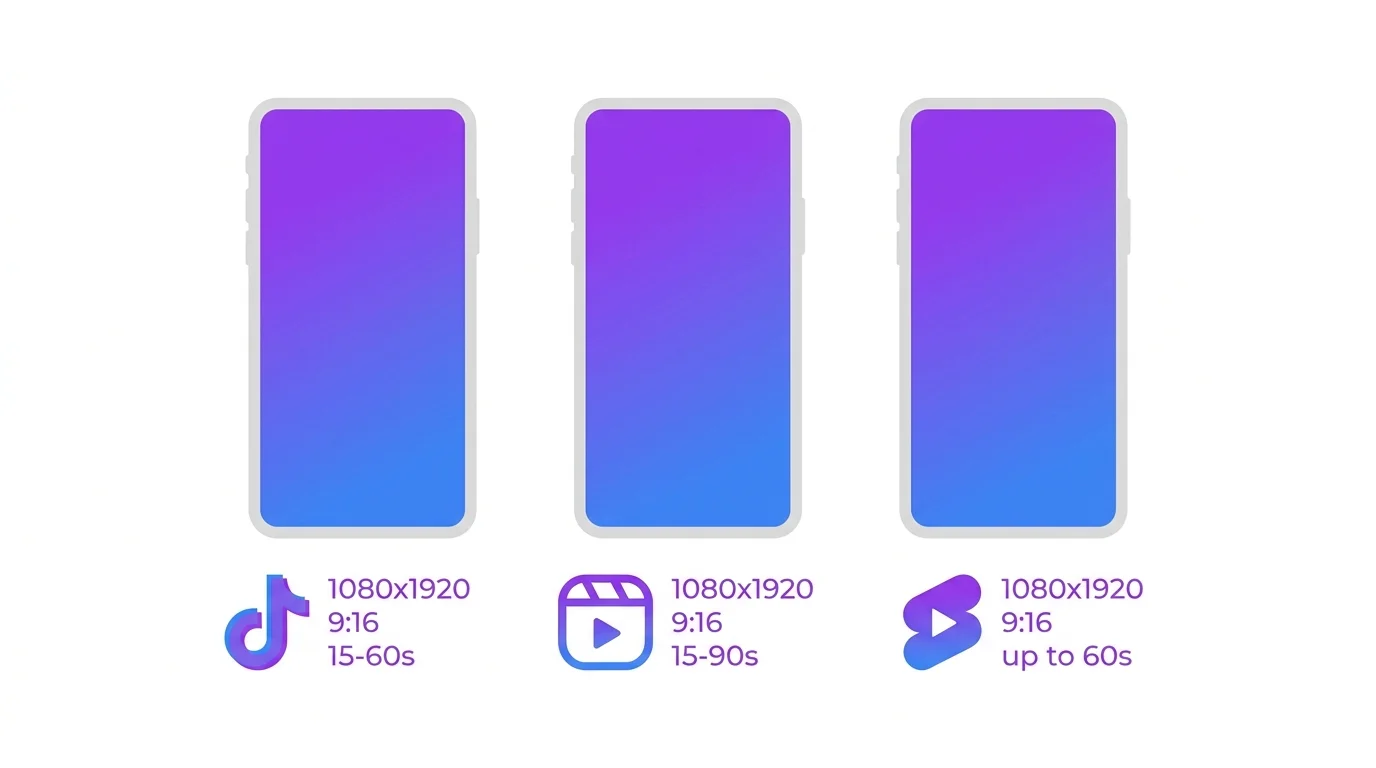
Optimal Specs per Platform
| Platform | Ratio | Resolution | Max Length | Sweet Spot |
|---|---|---|---|---|
| TikTok | 9:16 | 1080x1920 | 10 min | 30-60 sec |
| Instagram Reels | 9:16 | 1080x1920 | 90 sec | 30-60 sec |
| YouTube Shorts | 9:16 | 1080x1920 | 60 sec | 30-50 sec |
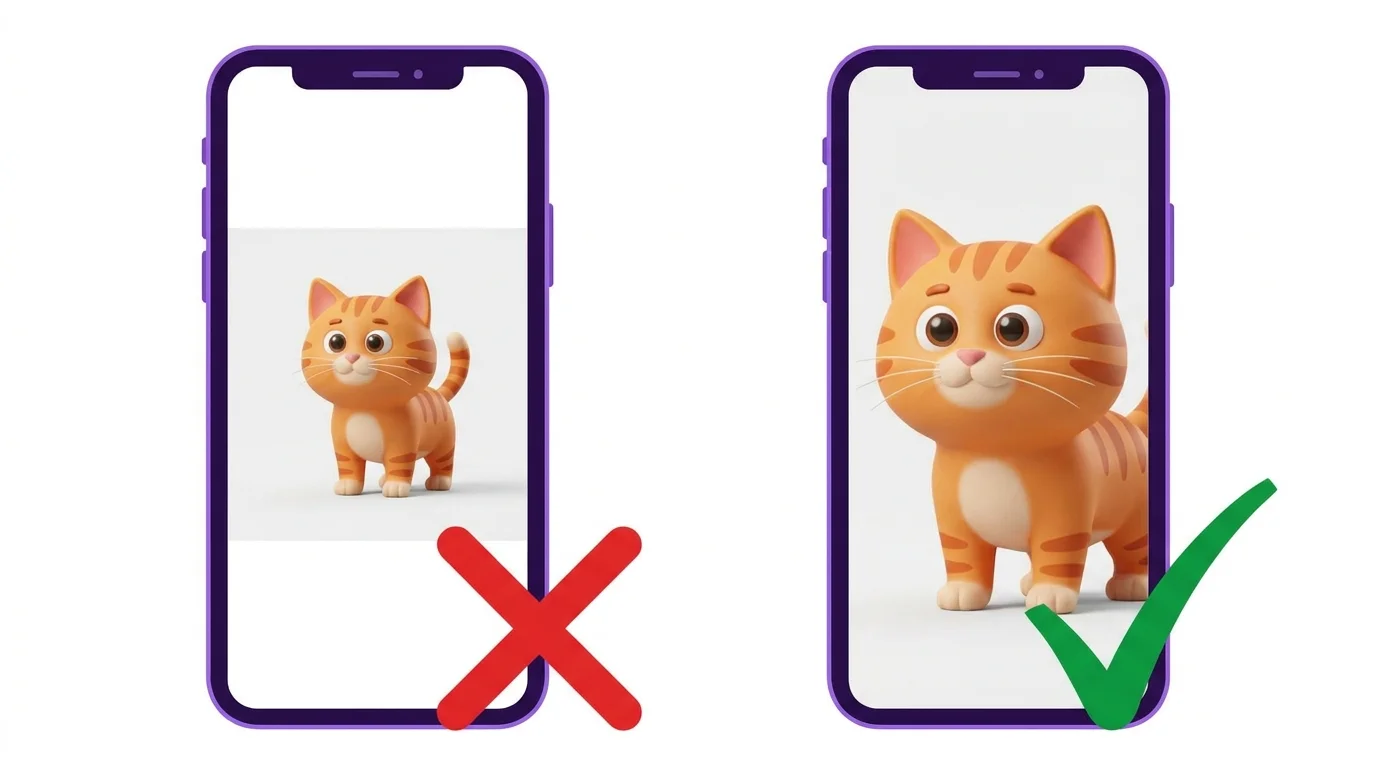
All three platforms use the same 9:16 vertical format. Generate your AI images at this ratio from the start - do not generate square and crop later, as cropping ruins composition.
Viral Story Structures
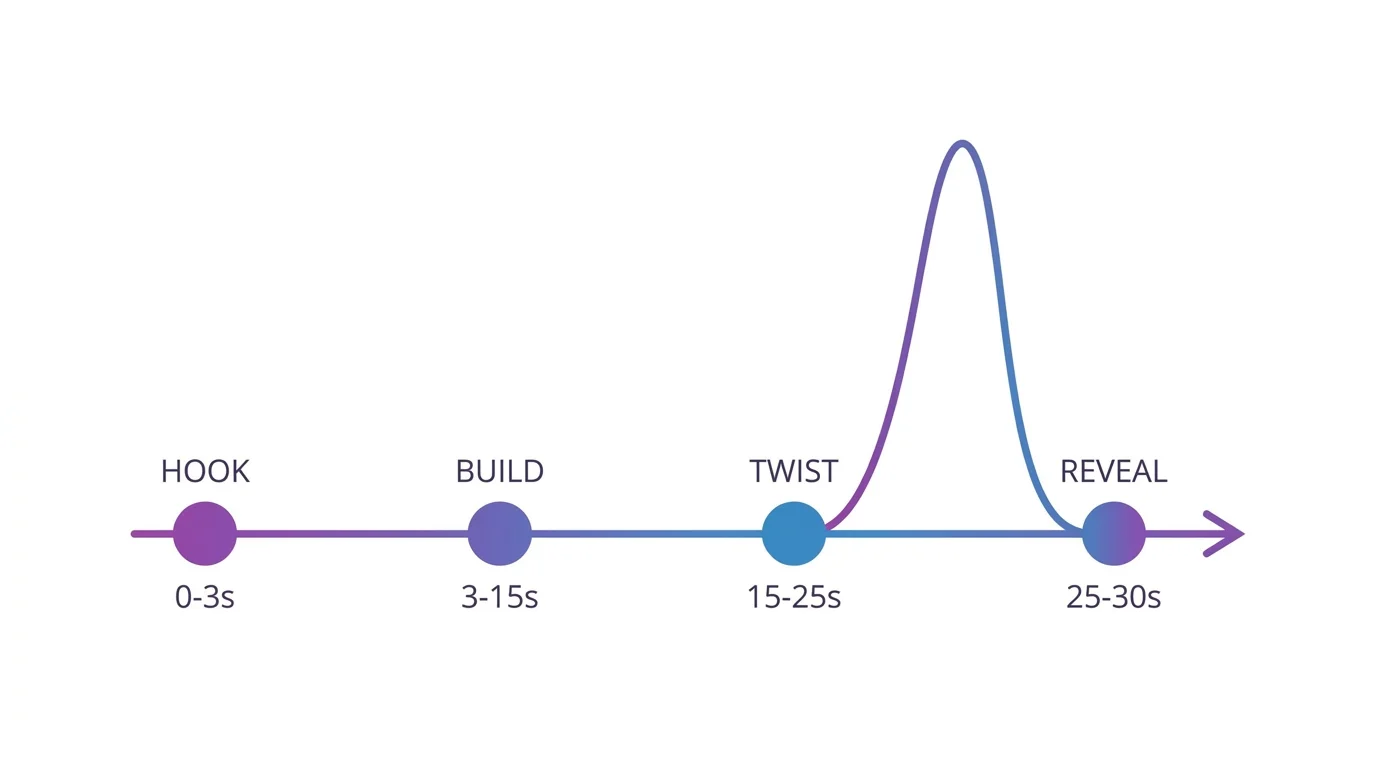
Hook-Twist-Reveal
The most viral format. Open with an intriguing image and text hook ("She found a door that shouldn't exist..."). Build tension through 6-8 scenes. End with a dramatic reveal. This structure has the highest share rate because viewers want to show others the twist.
Revenge Arc
Character suffers injustice in the opening scenes. Middle scenes show preparation or transformation. Final scenes deliver satisfying revenge. This format gets enormous engagement because viewers emotionally invest in the character's journey.
Mystery Build
Start with a mysterious scene - an empty room, a strange object, an unexplained event. Each subsequent scene adds a clue. The final scene reveals the answer. Works especially well with horror and thriller themes.
Emotional Journey
Character goes through a transformation - loss to healing, failure to success, loneliness to connection. Use color grading to reinforce the emotional arc: desaturated or cool tones for sad scenes, warm golden tones for the resolution.
How to Prompt for Vertical 9:16 Images
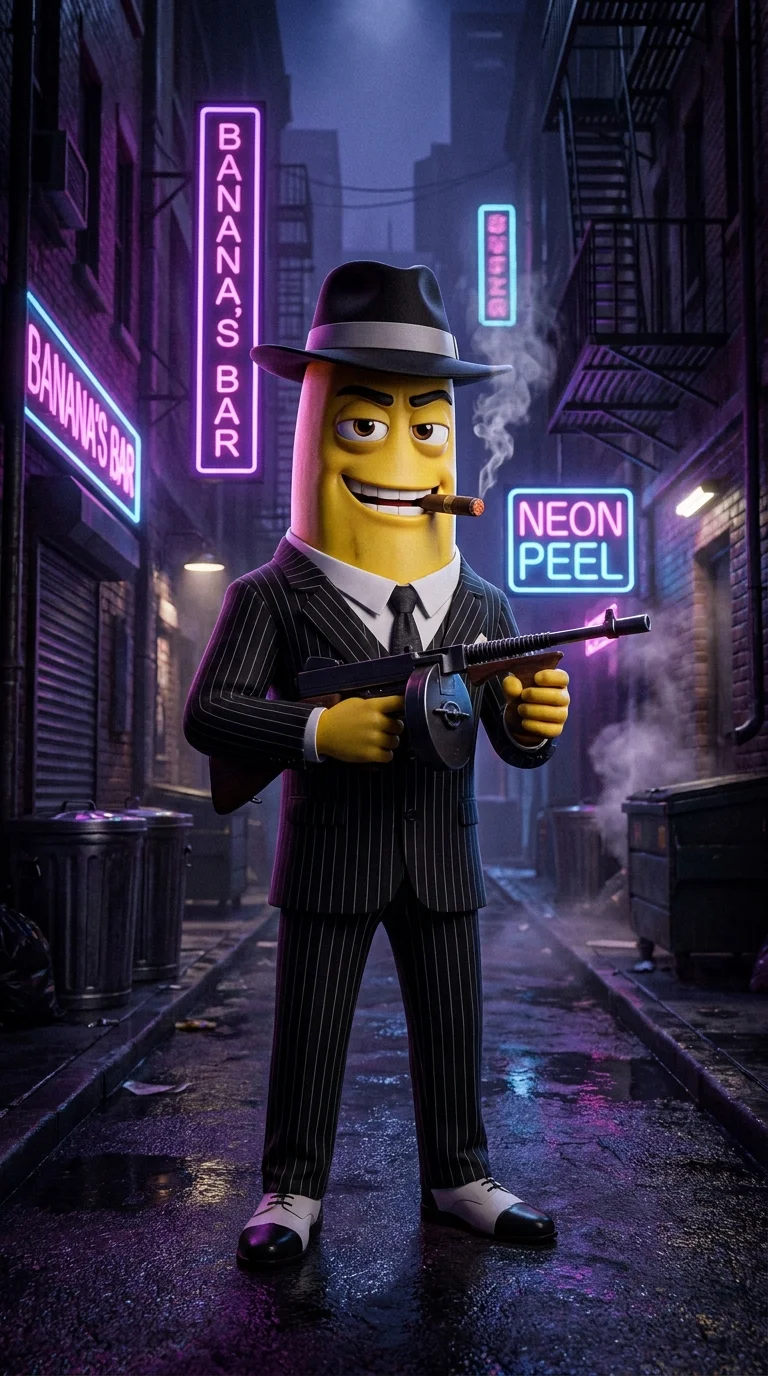
Vertical images require different composition thinking. You have more space vertically, so use it:
- Characters: Full body shots work better than landscapes
- Environment: Stack elements vertically - sky, character, ground
- Text space: Leave room at the top and bottom for captions
- Close-ups: Vertical close-ups of faces are extremely impactful
[Character description], standing in [environment], dramatic vertical composition, full body shot, cinematic lighting from above, 9:16 aspect ratio, leave space at top for text, [art style], ultra detailed, 4K
Adding Motion: AI Images to Video
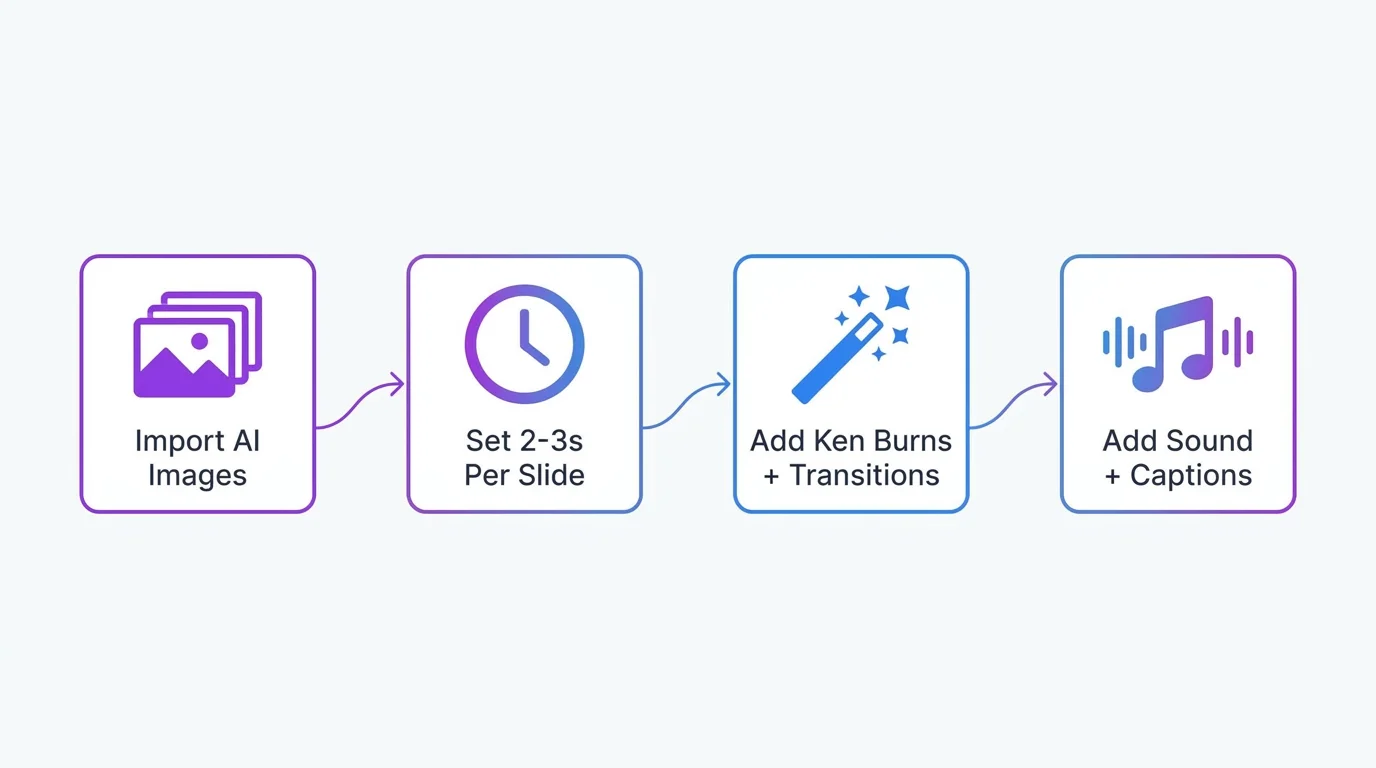
CapCut Workflow
- Import: Add all AI images to the timeline in story order
- Duration: Set each image to 2-4 seconds (adjust to narration pace)
- Animation: Add slow zoom or gentle pan to each image (Ken Burns effect). This transforms static images into cinematic video
- Transitions: Use subtle cross-dissolves or cuts. Avoid flashy transitions - they distract from the story
- Audio: Add voiceover narration or text-to-speech. Layer with background music at 20-30% volume
- Captions: Add text captions for accessibility and for viewers watching without sound
- Export: 1080x1920, 30fps, high quality
Music, Voiceover and Captions
Audio is half the experience. Use trending TikTok sounds when they fit your story mood - the algorithm boosts content using popular audio. For original stories, AI voiceover tools like ElevenLabs produce natural-sounding narration. Always add text captions - 80%+ of short-form video is watched with sound off.
Posting Schedule and Strategy
- Best posting times: Tuesday-Thursday, 7-9 PM in your target audience's timezone
- Frequency: 3-5 stories per week builds momentum. Daily is ideal but quality matters more
- Hashtags: Mix broad (#aiart #aistory) with specific (#midjourneystory #aihorror) - use 5-8 per post
- Hook in first frame: Your thumbnail and first 1.5 seconds determine if someone keeps watching
- Call to action: "Follow for Part 2" or "Like if you want the ending" drives engagement
Free Viral Story Templates
1. Establishing shot - character at normal location, something slightly off
2. Close-up - character notices something wrong
3. Investigation begins - following the mystery
4-5. Building dread - environment gets darker, more threatening
6-7. Discovery - the truth starts to emerge
8. False safety - everything seems fine
9. The twist - the real horror is revealed
10. Final shot - haunting closing image