How ChatGPT Image Generation Works in 2026
DALL-E vs Native GPT Images
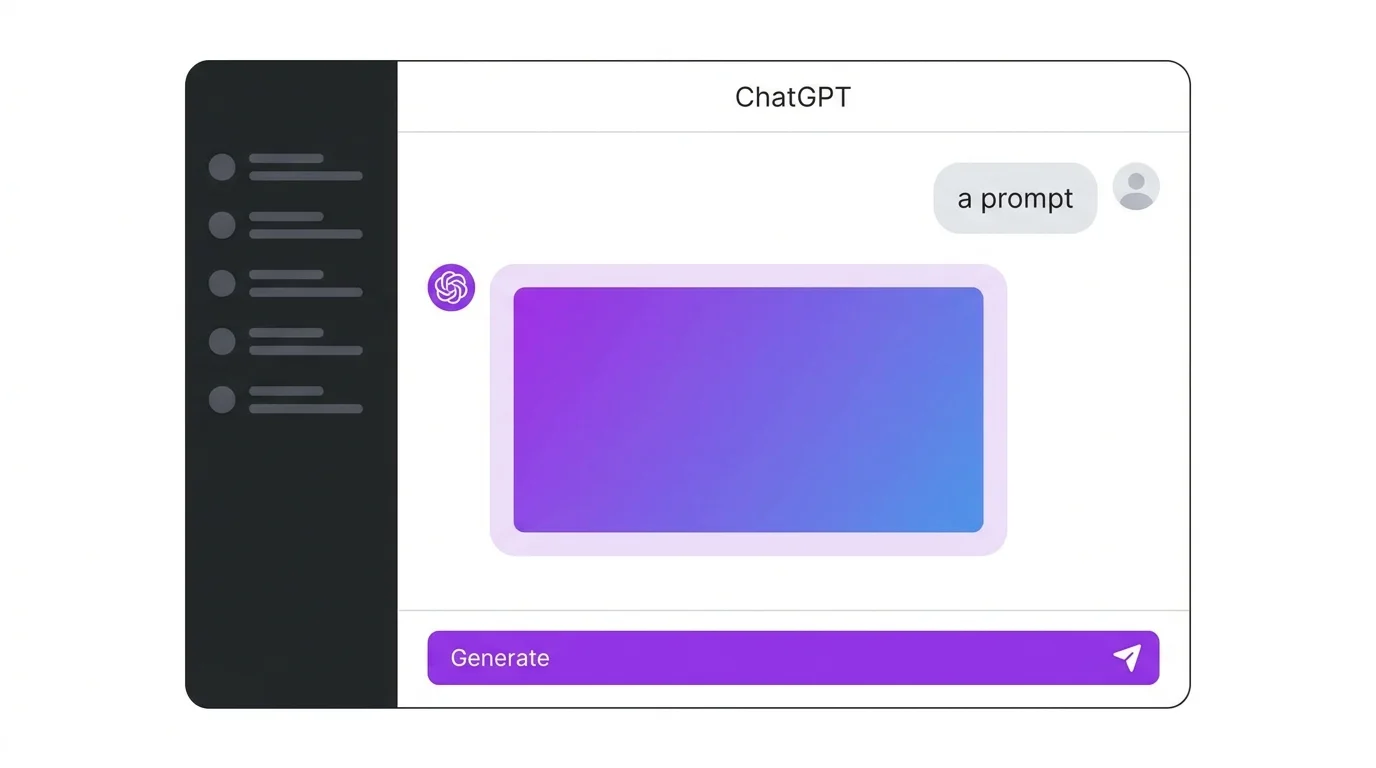
ChatGPT originally used DALL-E 3 as a separate image model. In 2026, OpenAI integrated image generation directly into GPT, creating a hybrid system that understands context better than standalone DALL-E ever could. The result: you can describe images conversationally and iterate naturally.
Free vs Plus vs Pro
| Plan | Price | Image Generations | Commercial Use |
|---|---|---|---|
| Free | $0 | Limited (daily cap) | Yes |
| Plus | $20/mo | More generous limit | Yes |
| Pro | $200/mo | Unlimited | Yes |
Writing Prompts for ChatGPT
Conversational Prompting
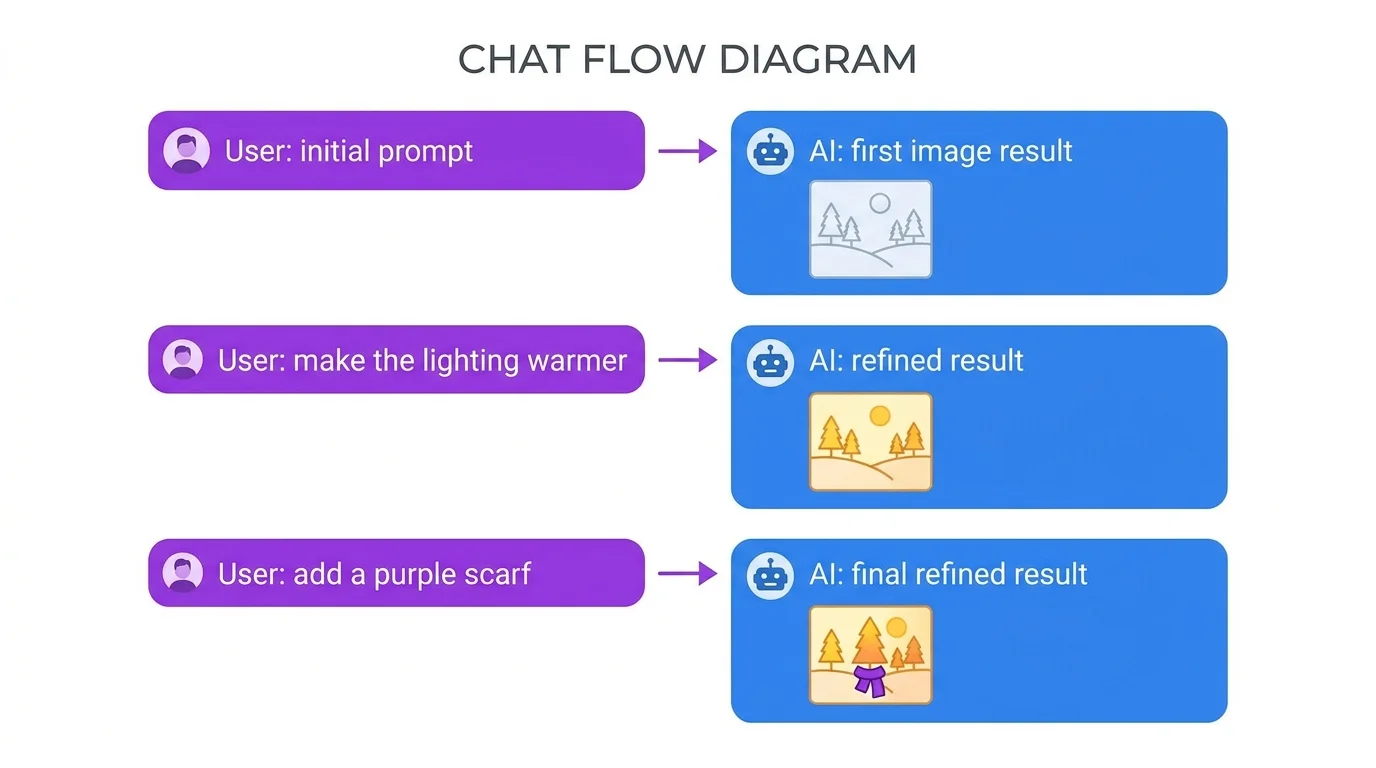
ChatGPT's biggest advantage is conversational iteration. You do not need to write one perfect prompt. Start simple and refine:
Refine: "Make it more rustic with exposed brick walls"
Adjust: "Add warm morning light coming through the window, and a cat sleeping on the counter"
Polish: "Make it photorealistic with shallow depth of field"
Each message builds on the previous image. ChatGPT remembers the context, so you do not need to repeat your entire description.
Detailed Single-Prompt
For best first-shot results, use the same formula as other generators - our prompt writing guide works perfectly with ChatGPT:
Iterating With Follow-Ups
After generating, use natural language to adjust: "Make the lighting more dramatic," "Zoom in closer on her face," "Change the style to Pixar 3D," "Add rain outside the window." This iterative workflow is faster than rewriting entire prompts on other platforms.
ChatGPT Image Editing Features
Inpainting
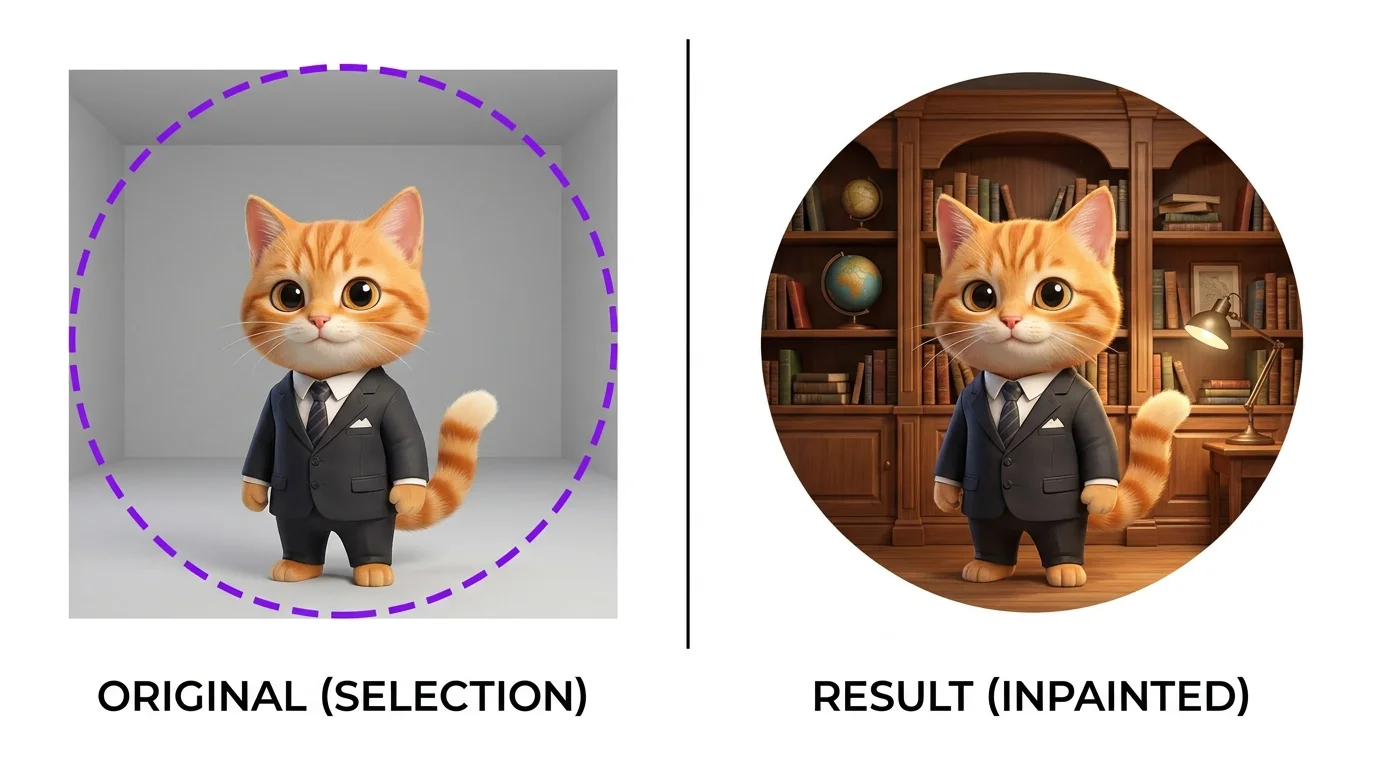
Select a region of your generated image and tell ChatGPT what to change. "Replace the background with a sunset beach." "Change the hat to a crown." "Remove the person on the right." Inpainting lets you fix specific parts without regenerating the entire image.
Style Transfer
Upload a reference image and ask ChatGPT to generate a new image in that style: "Generate a portrait in the same style as this reference." Or take an existing generation and say "redo this in watercolor style." ChatGPT understands style descriptions and can transform images between styles.
Extending and Outpainting
You can ask ChatGPT to expand an image beyond its original borders: "Extend this image to the left to show more of the room." This outpainting capability is useful for creating wider compositions or adding context to tight crops.
Best Practices
Style Keywords That Work Best
ChatGPT responds well to natural language style descriptions rather than keyword-heavy prompts:
- Photography: "photorealistic, shot on [camera model], [focal length], [aperture]"
- Illustration: "digital illustration in the style of [reference]"
- 3D: "Pixar-style 3D render with soft lighting"
- Painting: "oil painting with visible brushstrokes, impressionist style"
Getting Consistent Characters
Start your conversation with a detailed character description. Reference it explicitly: "Using the character I described earlier, show her..." ChatGPT's memory helps but is not perfect. For mission-critical consistency, consider using Midjourney --cref or Stable Diffusion LoRA.
Avoiding Content Policy Blocks
ChatGPT has content restrictions that can block certain prompts. Tips: avoid specific real person names (use descriptions instead), avoid violent or explicit content, rephrase if blocked (often a slight rewording passes). If a prompt is blocked, ask ChatGPT to suggest an alternative that captures the same mood.
ChatGPT vs Midjourney: When to Use Which
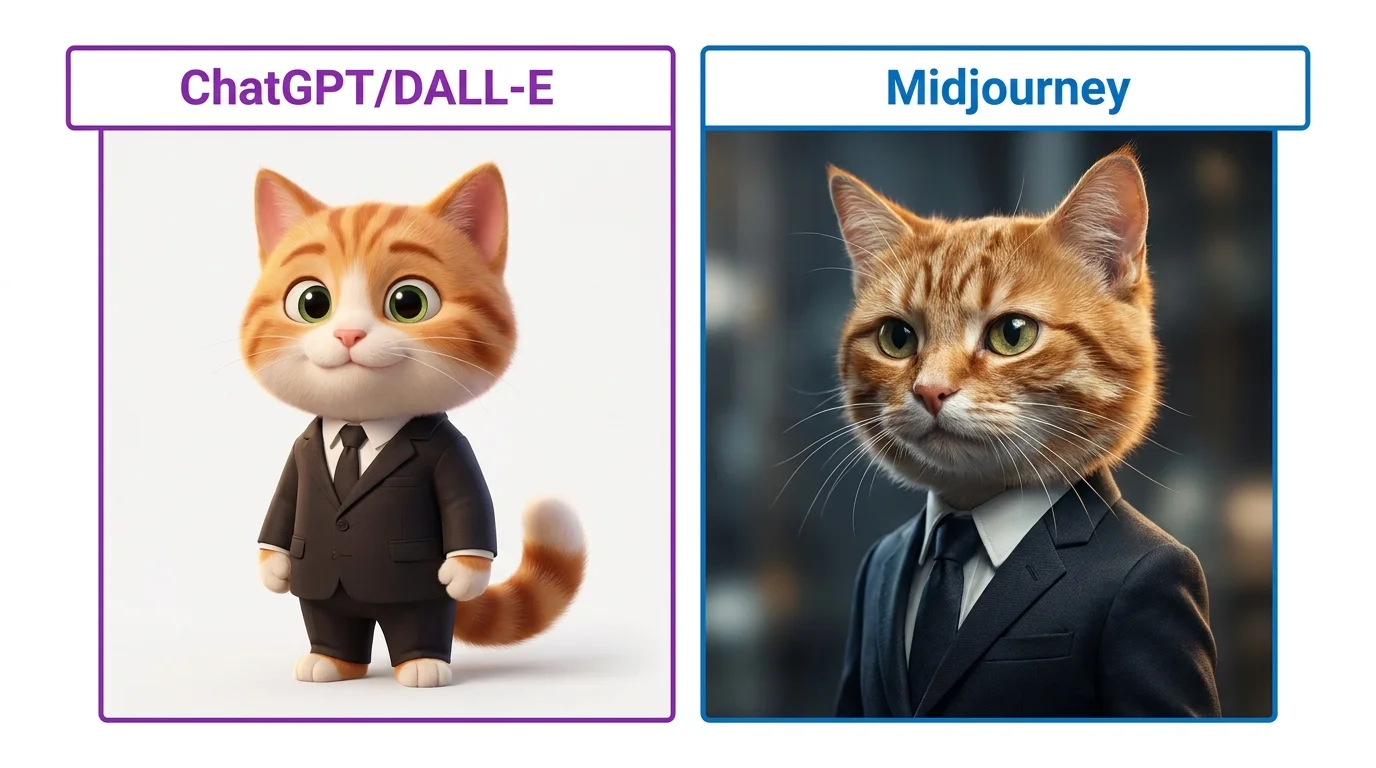
| Feature | ChatGPT | Midjourney |
|---|---|---|
| Image Quality | Very good | Best in class |
| Ease of Use | Easiest (conversation) | Easy (keywords) |
| Iteration | Excellent (natural language) | Limited (re-prompt) |
| Editing | Built-in inpainting | None |
| Character Consistency | Moderate (memory) | High (--cref) |
| Pricing | Free tier available | $10/mo minimum |
Use ChatGPT when: You want quick iterations, need inpainting, are brainstorming ideas, or want the easiest possible workflow.
Use Midjourney when: Final image quality is paramount, you need character consistency with --cref, or you want maximum aesthetic control.
10 Free ChatGPT Image Prompts