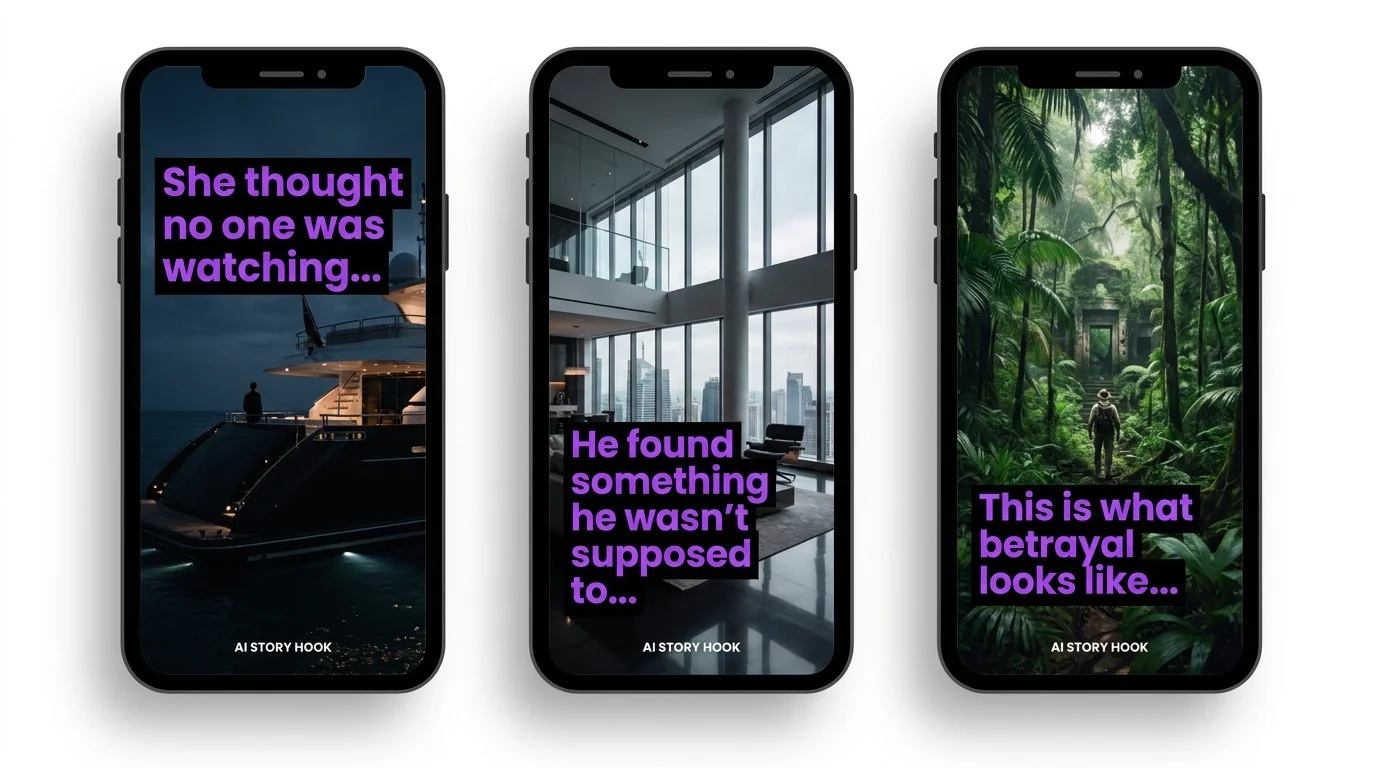
Why AI Stories Are Blowing Up on TikTok
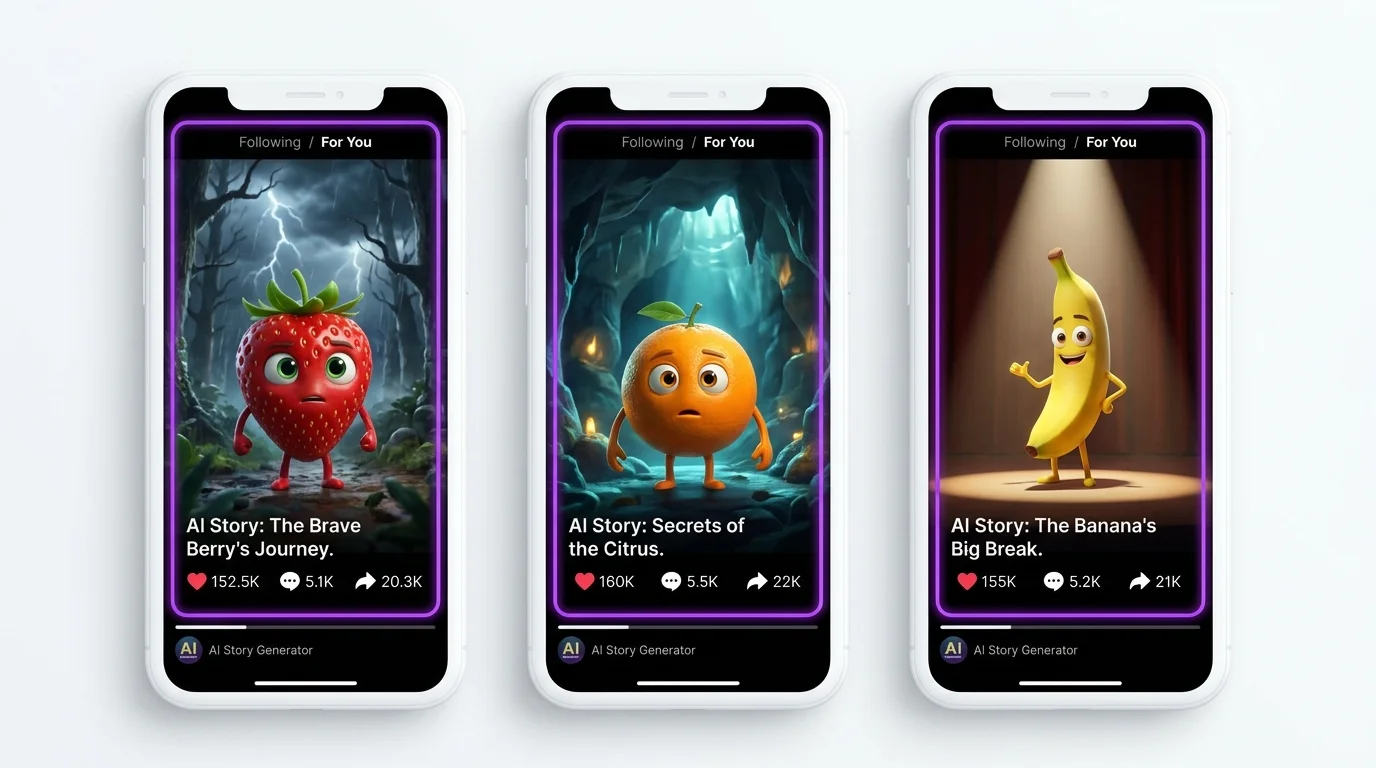
AI-generated story slideshows are one of the fastest-growing content formats on TikTok in 2026. Creators with zero art skills are building massive followings by combining AI images with compelling narratives. The format works because it combines visual spectacle with the oldest engagement tool - storytelling.
What Makes Them Work
- Visual hook: AI images are eye-catching enough to stop the scroll
- Story engagement: Narrative arcs keep viewers watching until the end
- Series format: Cliffhangers drive follows and profile visits
- Low barrier: No filming, no editing software expertise, no equipment
Step 1 - Choose a Viral Story Structure
Betrayal and Revenge
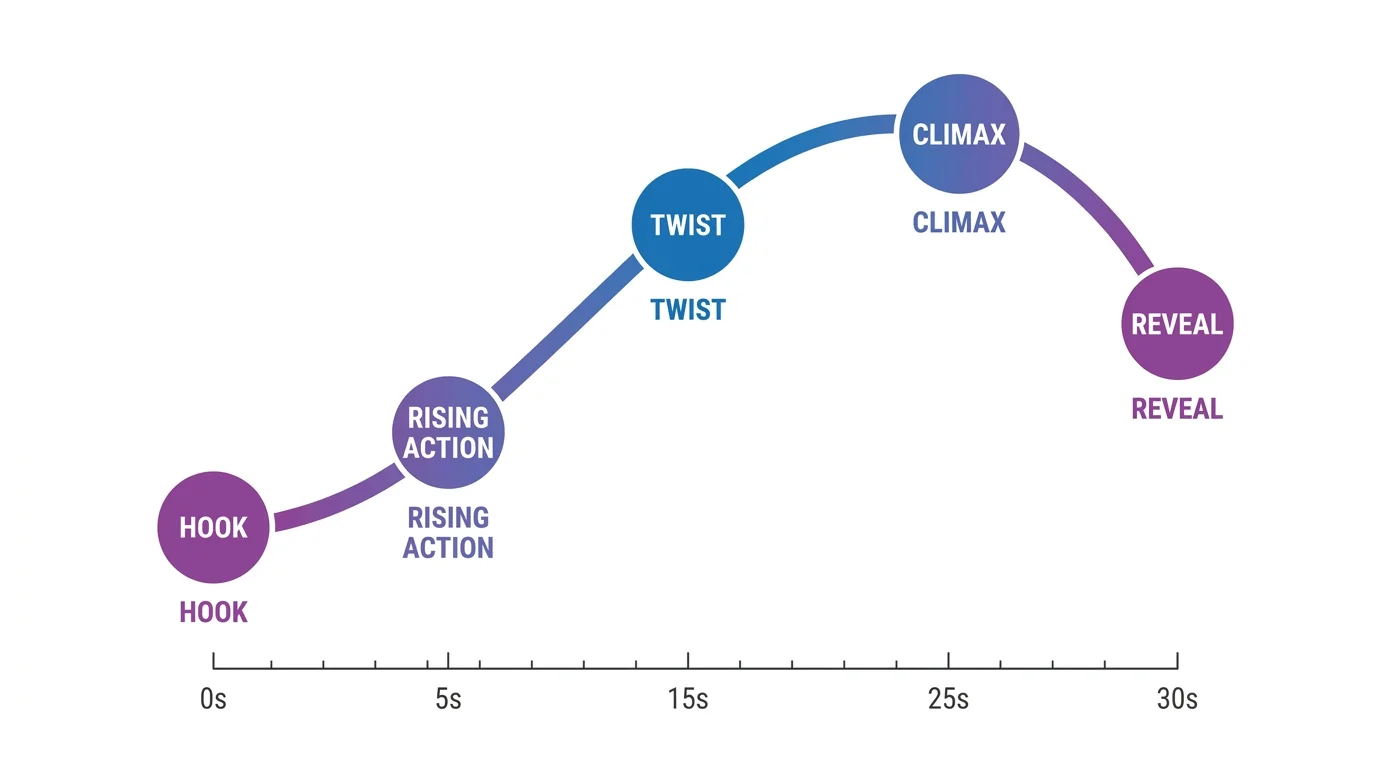
The most viral genre. A character is wronged and seeks justice. This structure triggers strong emotional responses - anger at the villain, empathy for the victim, satisfaction at the revenge. Our story "Pushed Overboard" uses this exact structure.
Mystery and Thriller
Something mysterious happens and the truth is slowly revealed. Each part ends with a cliffhanger that forces viewers to watch the next episode. High completion rates because viewers need answers.
Emotional and Tearjerker
Stories about loss, reunion, sacrifice, or unexpected kindness. These get the highest share rates because viewers tag friends and say "this made me cry." Powerful for building an emotional connection with your audience.
Comedy and Absurdist
Surreal or funny scenarios played straight. AI's sometimes imperfect output actually enhances the comedy. Lower watch time but very high engagement (comments, stitches, duets).
Step 2 - Create Your AI Images
Generate 8-15 images per story using your preferred AI generator. For TikTok, always use 9:16 vertical format:
Dramatic Expressions
Exaggerate emotions in your prompts. "Tears streaming down face, devastated expression" works better than "sad face." TikTok viewers scroll fast - subtle expressions get lost. Push emotions to their extreme for maximum impact on small phone screens.
Step 3 - Edit in CapCut
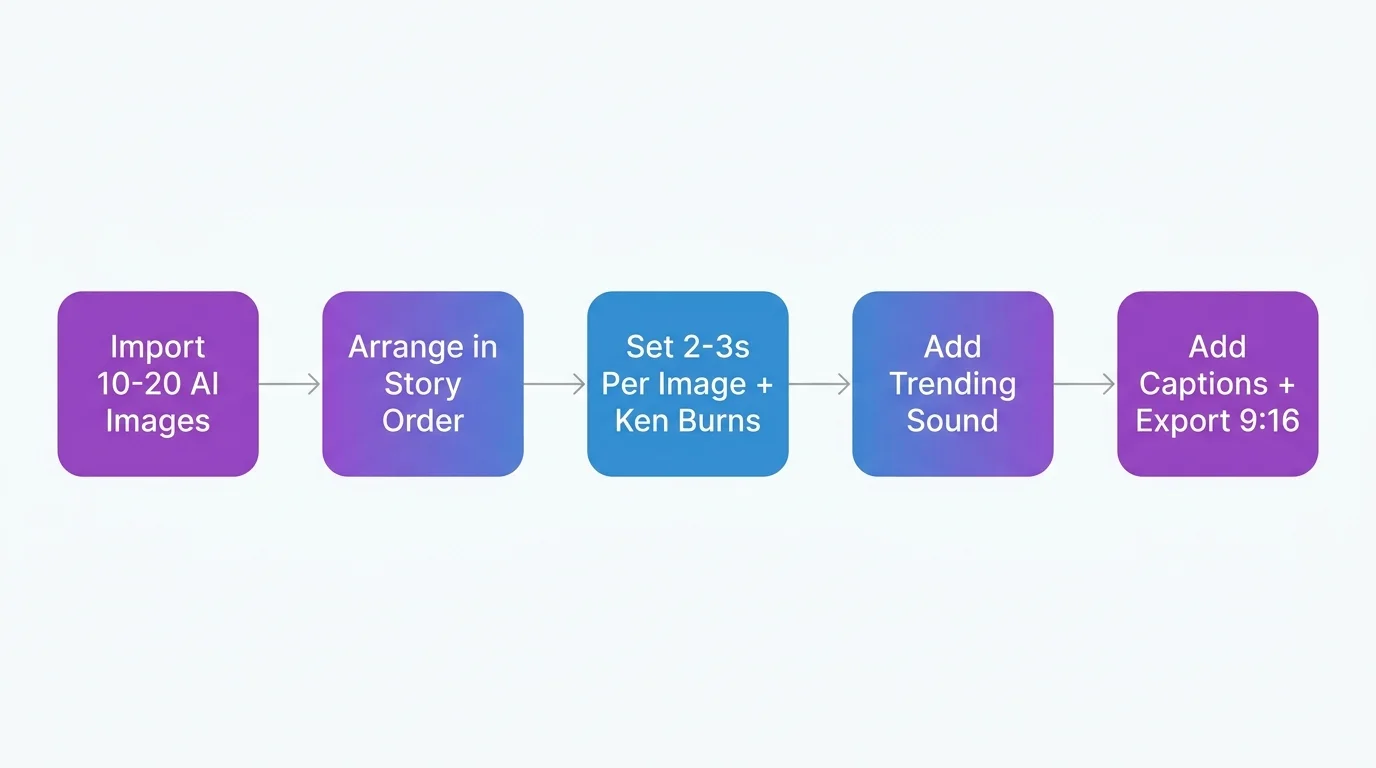
Image Timing
2-3 seconds per image is the sweet spot. Faster pacing (1.5s) for action scenes. Slower pacing (3-4s) for emotional beats. Total video should be 20-45 seconds for optimal completion rate.
Ken Burns Effect
Add subtle zoom and pan to static images. In CapCut: select an image, tap "Animation," choose "Zoom In" or "Zoom Out." This creates movement that keeps the video feeling dynamic rather than a static slideshow.
Text Overlays
Add narrative text to each scene. Use large, bold, white text with a dark shadow. Keep text short - one sentence per image. Position at the top or bottom third of the screen, never covering character faces.
Transitions
Simple cuts or very short cross-fades (0.2s) between images. Avoid flashy transitions - they break immersion. For dramatic reveals, use a quick black screen (0.3s) before the reveal image.
Step 4 - Add Sound
Trending Sounds vs Narration
Trending sounds boost discoverability but narration boosts watch time. Best strategy: use narration for story content with a trending sound at low volume underneath. This gets both algorithm benefits.
Voiceover Tips
Use AI narration (ElevenLabs, TikTok text-to-speech) or record your own voice. Speak slightly slower than normal, with dramatic pauses before reveals. Match your tone to the story mood - hushed for mystery, intense for action.
Step 5 - Optimize for the Algorithm
Hook in First 1 Second
Your first image must be the most dramatic, most emotionally charged scene. Add text like "She had no idea what was about to happen..." or "This story will make you rethink everything." The hook determines whether viewers watch or scroll.
Caption Strategy
Use captions that create curiosity: "Wait for the ending..." or "Part 3 of the story that broke TikTok." Include a call-to-action: "Follow for Part 2." Keep captions under 150 characters.
Hashtags
Use 4-6 hashtags maximum. Mix: #aistory #aiart (broad), #aistorytime #airevenge (niche), and one trending hashtag. Do not overload - TikTok's algorithm performs better with fewer, more relevant tags.
Best Posting Times
7-9 AM (morning scroll), 12-2 PM (lunch break), 7-10 PM (evening). Tuesday-Thursday outperform weekends. Post Part 1 in the evening, then Part 2 the next morning to maximize series momentum.